How to duplicate a routing form in Calendly
Here is how to duplicate a routing form in calendly
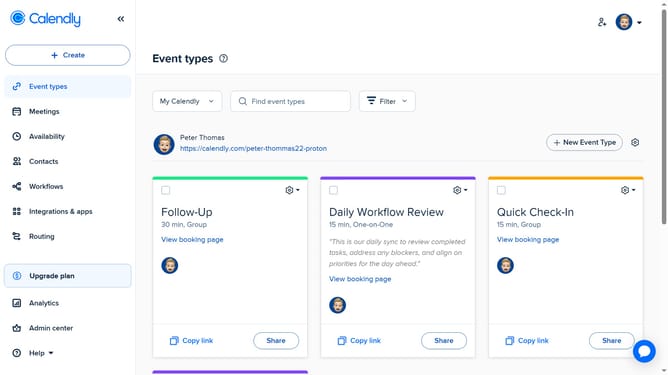
- First navigate to "Routing" in the left sidebar menu
- Next locate the routing form you want to duplicate in the list
- Click on the more options button (three dots) in the right of the form row
- Click on "Clone form" option in the dropdown menu
- Then, enter a name for the cloned routing form
- Finally click on the "Create form" button
Why should you duplicate a routing form in Calendly
Calendly is a user-friendly scheduling tool that simplifies organizing meetings effortlessly.
Duplicating a routing form in Calendly allows you to efficiently create multiple forms with similar structures and objectives without starting from scratch.
This feature saves time and ensures consistency across your scheduling processes.
By having the ability to duplicate forms, users can swiftly adapt to changing needs, making their workflows more streamlined and responsive.
Last update