How to delete your Calendly account
Here is how to delete your calendly account
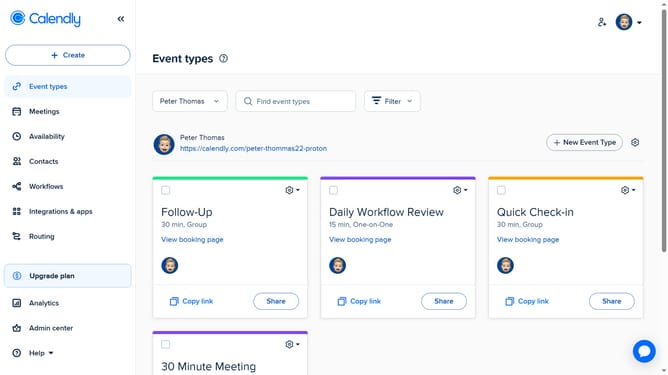
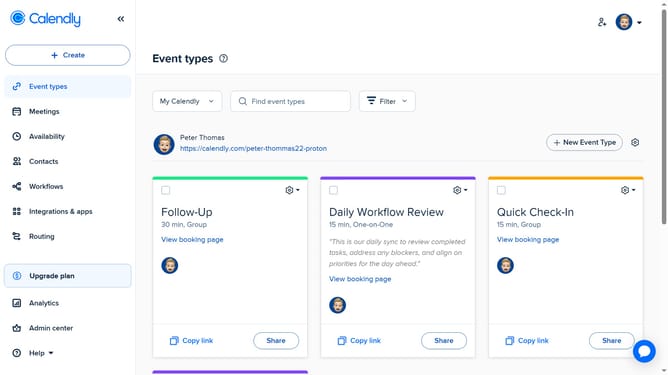
- First click on the profile picture in the top-right corner of the header
- Next select "Profile" from the dropdown menu in the right sidebar
- Then click on the "Delete Account" button at the bottom of the Profile settings page
- In the Delete Account modal, choose to transfer ownership, leave the organization, or delete your account and disband the organization
- Finally click the "Next" button in the Delete Account modal to proceed with the account deletion
Why should you delete your Calendly account
Calendly is an intuitive scheduling tool designed to streamline meeting appointments effortlessly.
Knowing how to delete your Calendly account ensures you have control over your personal data and digital presence at all times.
Exercising such control can be advantageous if you're simplifying your digital life or switching to another tool. Having the flexibility to delete your account empowers you to manage your online footprint in a way that suits your evolving needs.
Last update