How to set up a team Round Robin event type in Calendly
Here is how to set up a team round robin event type in calendly
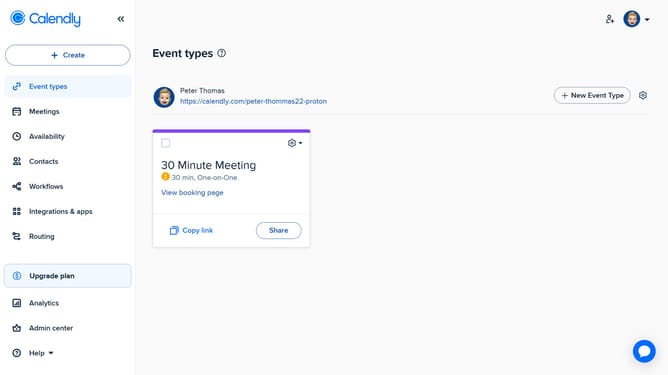
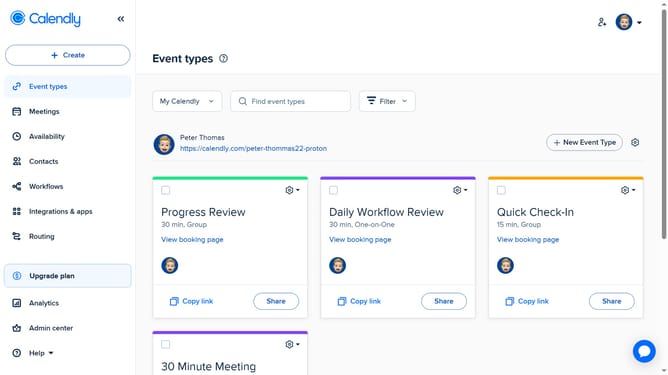
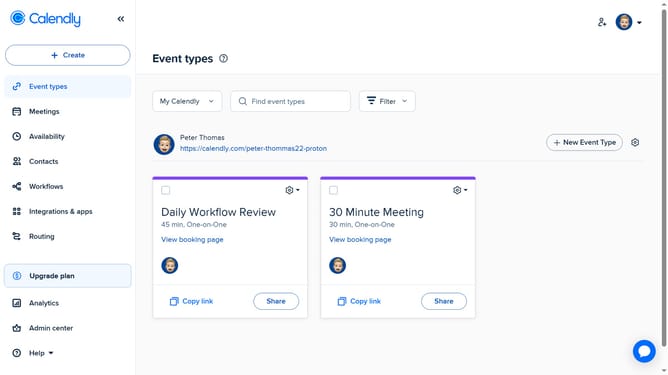
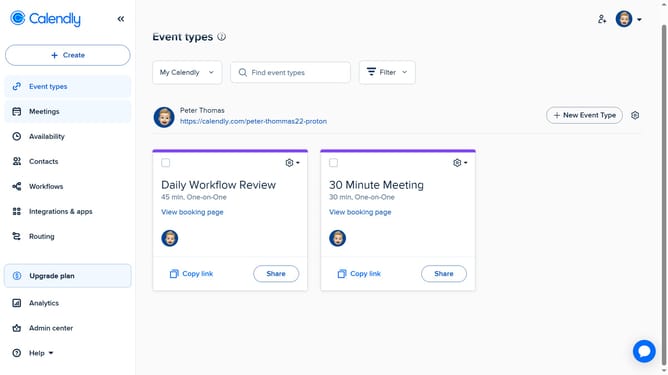
- First click on "Event types" in the left sidebar menu
- Next click on the "New Event Type" button in the top right corner
- Click on "Round robin" option from the event types dropdown menu
- Enter a name for the event and select a color if desired
- In the event settings panel, configure the duration, hosts, location, and availability
- In the right sidebar panel, click on "More options" button
- Here, you can add extra details such as a description, buffer time, booking page settings, and other custom options
- Finally when everything is set, click “Save changes” to apply your settings and create the event
- Your Round Robin event type has been successfully created and is now ready for scheduling
Why should you set up a team Round Robin event type in Calendly
Calendly is an intuitive scheduling tool designed to streamline meeting arrangements.
The team Round Robin event type in Calendly efficiently distributes meeting requests among team members. This ensures that no single person's calendar becomes overloaded, optimally utilizing your team's availability.
By implementing this feature, organizations enhance collaboration and maintain a balanced workload across team members.
Moreover, it reduces scheduling conflicts and fosters a more organized, productive work environment.
Last update