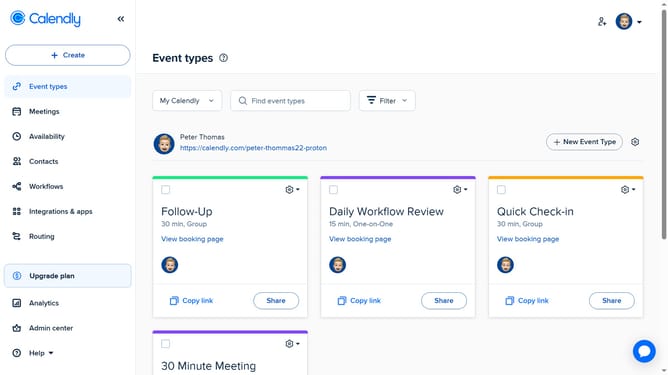
How to edit an existing event type in Calendly
Here is how to edit an existing event type in calendly
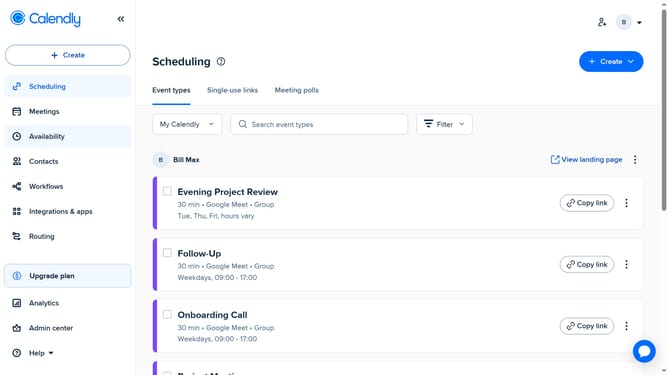
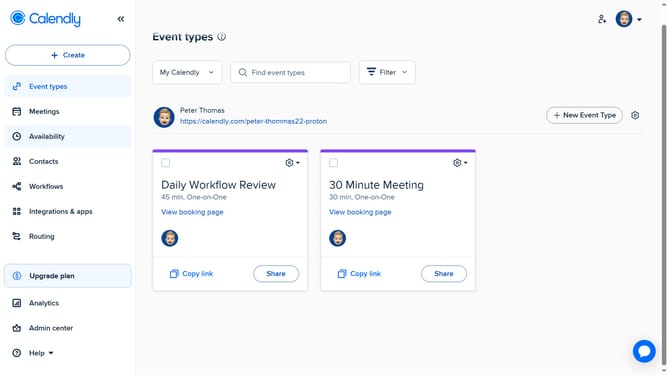
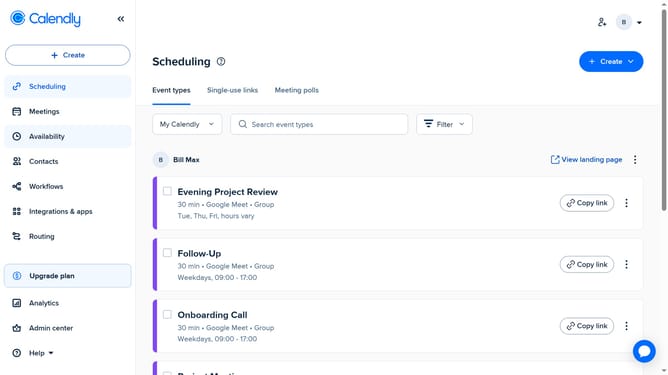
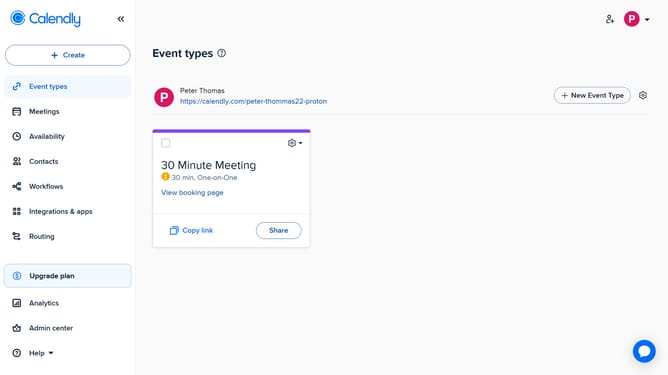
- First click on the "Event types" in the left sidebar
- Next locate and click on the event you want to edit
- In the right panel settings, you can edit primary details like event name, duration, location, and availability
- To access advanced settings, click the "More options" button
- Then from here, you can update the description, limits and buffers, booking page options, and more
- Finally click the "Save changes" button after making your changes
Why should you edit an existing event type in Calendly
Calendly is a powerful scheduling tool designed to streamline meeting coordination effortlessly.
Editing an existing event type in Calendly offers flexible control to modify crucial details as your scheduling needs evolve.
Effortlessly tweak event durations, update availability hours, or adjust buffer times, ensuring your calendar remains aligned with your priorities.
This adaptability fosters a seamless booking experience, enhancing productivity and communication with clients and colleagues alike.
Last update