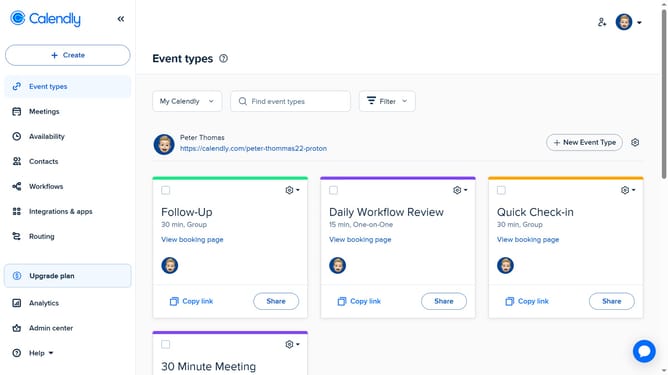
How to set availability for an event type in Calendly
Here is how to set availability for an event type in calendly
- First click on "Event types" in the left sidebar menu
- Locate and click the event type you want to edit
- Next click on "Availability" section in the event settings panel
- Click on the "Schedule" dropdown in the Availability settings
- Next choose how you want to set availability from the dropdown menu
- Then set the days and times you're open for bookings
- Finally once you're done, click on "Save changes" button in the bottom right corner
Why should you set availability for an event type in Calendly
Calendly is a seamless scheduling tool designed to streamline your appointment-setting process.
Setting availability for an event type in Calendly allows you to efficiently manage when you're open for meetings, reducing back-and-forth communication.
This feature empowers you to customize your schedule based on your preferences, giving you greater control and flexibility.
By optimizing your availability, you improve productivity, minimize scheduling conflicts, and provide a more professional experience for your clients.
Last update