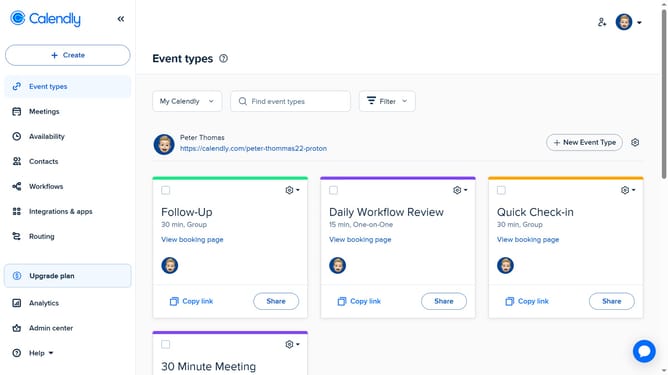
How to edit a contact’s details in Calendly
Here is how to edit a contact’s details in calendly
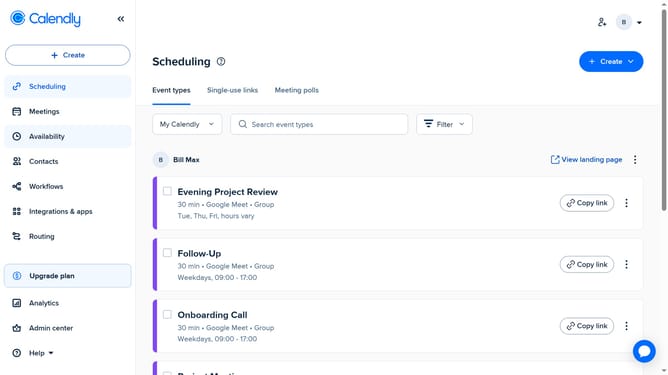
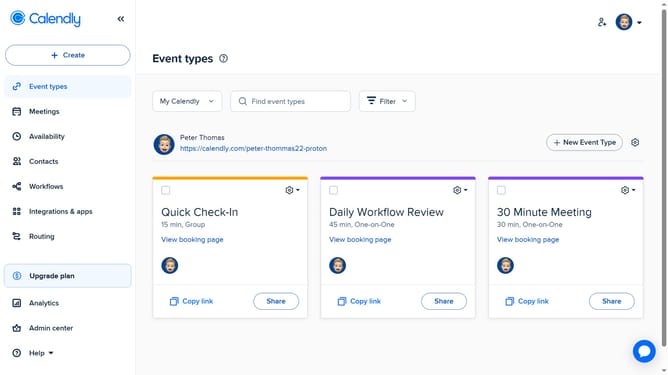
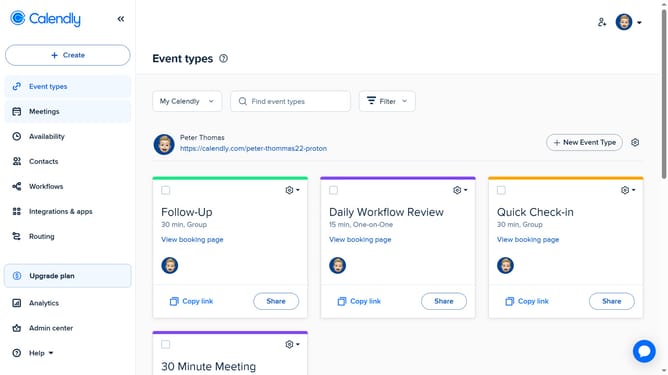
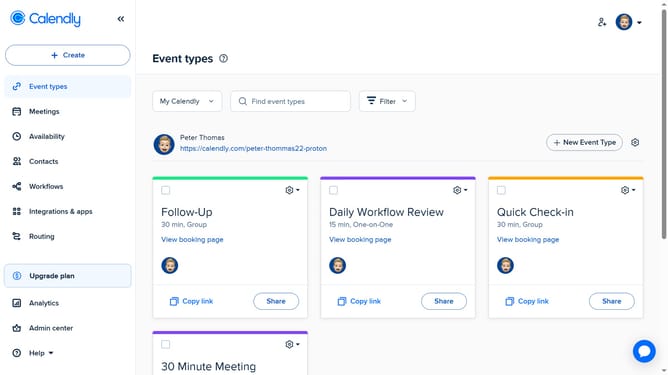
- First click on the "Contacts" in the left sidebar
- Next find and select the contact you want to edit in the contacts list
- Click on the pencil icon in the top-right corner
- Then in the edit contact form, update the contact’s details such as name, phone number, or other information
- Finally click the "Save changes" button to update the contact information
Why should you edit a contact’s details in Calendly
Calendly is a streamlined scheduling tool designed to make managing appointments effortless.
Editing a contact’s details in Calendly easily keeps your scheduling information up-to-date and precise.
Maintaining accurate contact information ensures seamless communication and helps avoid scheduling errors.
By regularly updating details, you enhance organization and productivity, enabling smoother interactions and time management.
Last update