How to set up a shared Collective event type in Calendly
Here is how to set up a shared collective event type in calendly
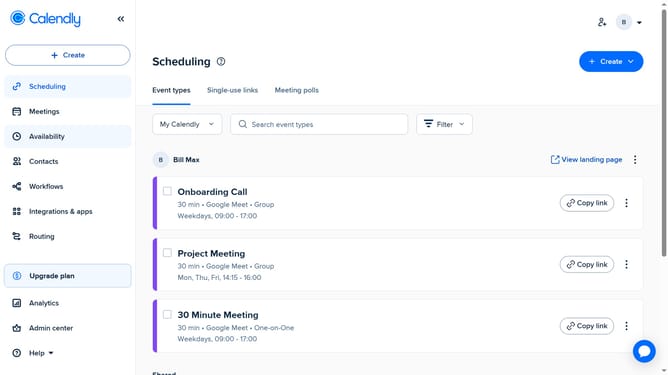
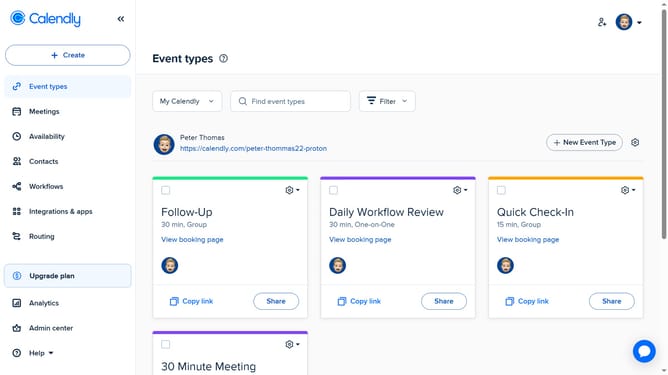
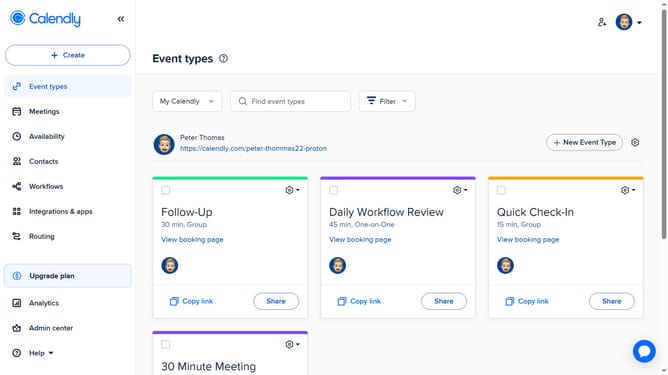
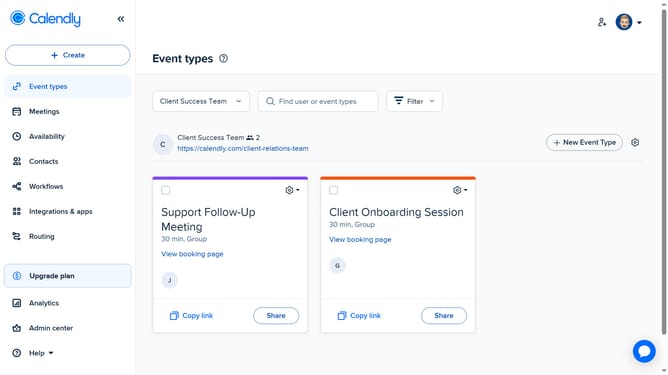
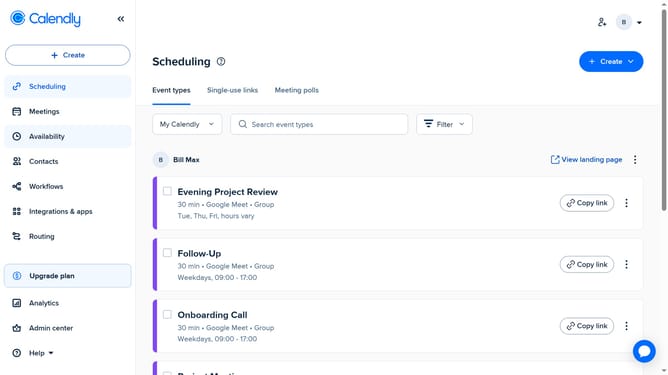
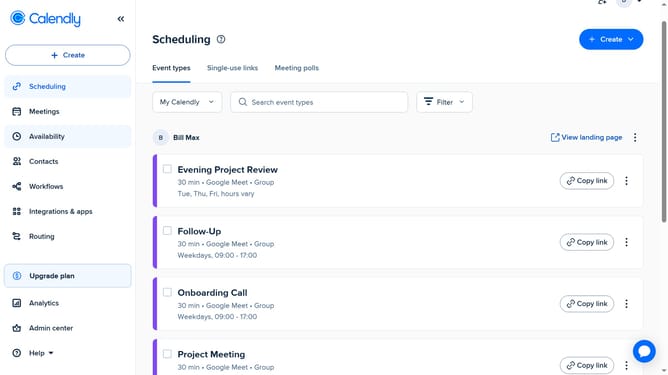
- First click on the "Event types" in the left sidebar
- Click on "New Event Type" button in the top right corner
- Click the "More ways to meet" option from the dropdown menu
- Next select "Collective" option from the list of event types
- Enter a name for the event and select a color as needed
- In the event settings panel, configure the duration and location
- Then, in the “Hosts” section, click “Add co-host” and select the Calendly users you want to share the event with
- Under Reschedule preference, set your reschedule preference
- Next click on the "Availability" section to set the Availability settings for this event type
- Then set the date range options and choose to set the schedule for each host or apply the same hours to all hosts
- To access additional settings, click on "More options" button
- Here, you can customize advanced options such as a description, buffer time, booking page settings, and other custom options
- Finally click on "Save changes" button to save and create the event type
- Your shared Collective event has been successfully created and is now ready for scheduling
Why should you set up a shared Collective event type in Calendly
Calendly is a streamlined scheduling tool designed to simplify the coordination of meetings and events.
The shared Collective event type in Calendly allows multiple hosts to seamlessly manage a joint event. This feature is particularly useful for improving team collaboration by ensuring everyone's availability is harmoniously integrated and potential conflicts are minimized.
By setting up a shared Collective event, teams can optimize their scheduling processes, enhance productivity, and foster efficient communication. This not only saves time but also ensures that everyone is on the same page, making collaborative efforts more effective and less stressful.
Last update