How to share a team page link in Calendly
Here is how to share a team page link in calendly
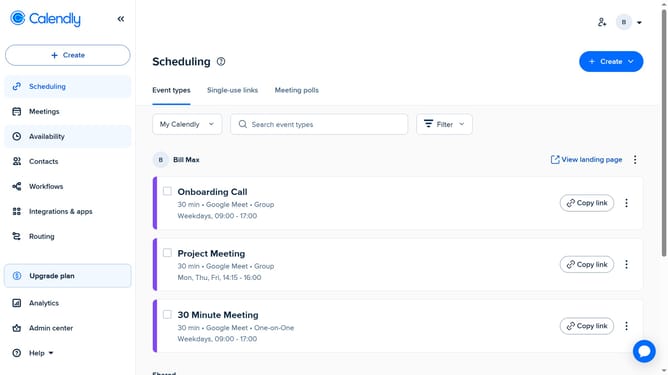
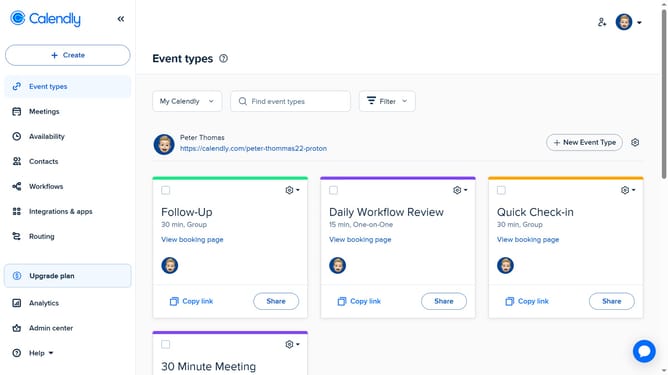
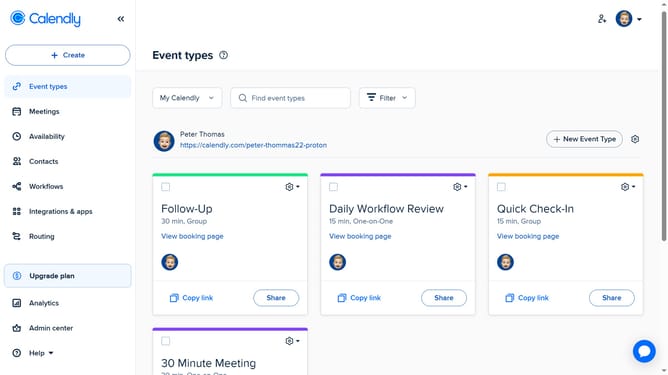
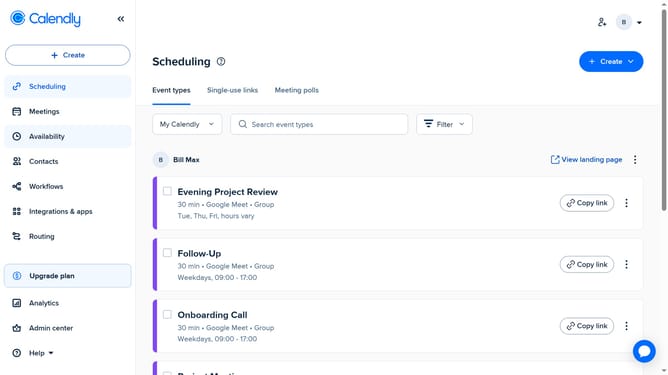
- First navigate to "Event types" in the left sidebar
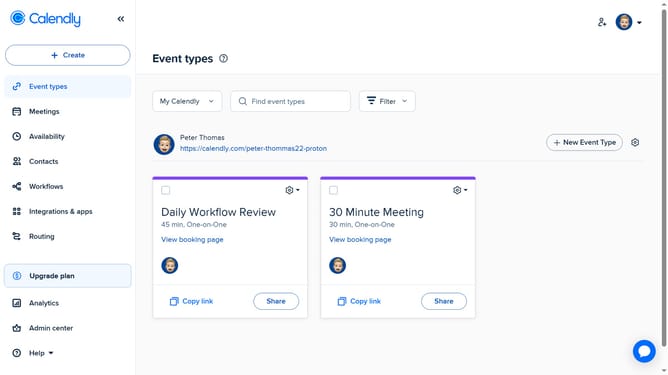
- Next click on the "My Calendly" dropdown menu in the top toolbar
- Select the team whose page you want to share from the dropdown list
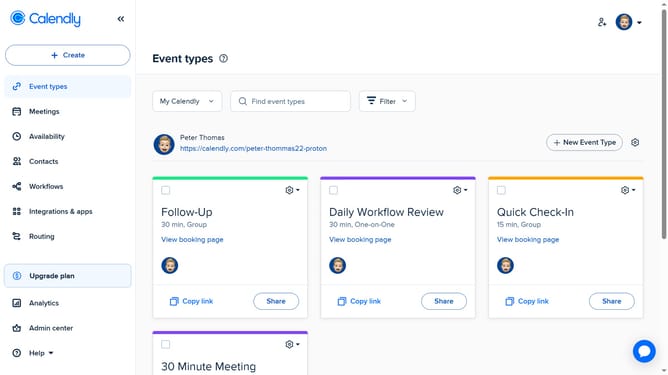
- Then click on the settings gear icon next to the "New Event Type" button
- Finally click on "Copy Link" from the dropdown menu that appears
- Your team page link is now copied to your clipboard and ready to share
Why should you share a team page link in Calendly
Calendly is a streamlined scheduling platform designed to make booking meetings effortless.
Sharing a team page link in Calendly enhances collaboration by providing a centralized hub for scheduling across multiple team members. This feature allows seamless coordination, ensuring that meetings are lined up without conflicting over individual schedules.
Utilizing the team page link fosters efficiency by eliminating the back-and-forth of scheduling, empowering teams to connect with clients and colleagues effectively and promptly.
Last update