How to share a routing form in Calendly
Here is how to share a routing form in calendly
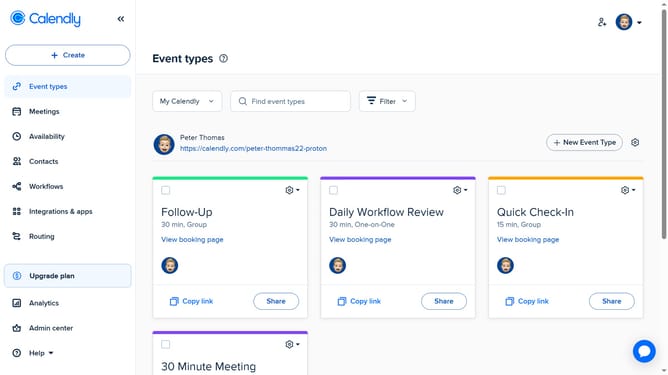
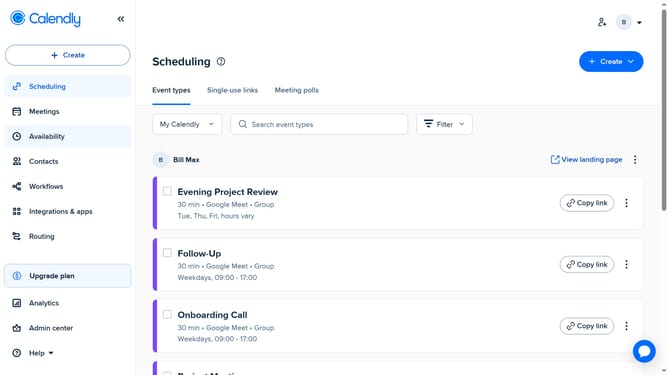
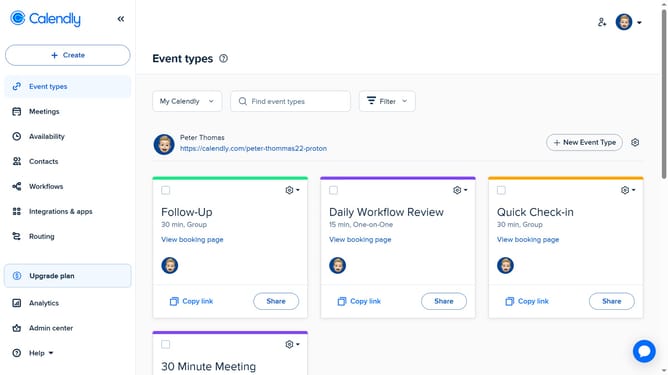
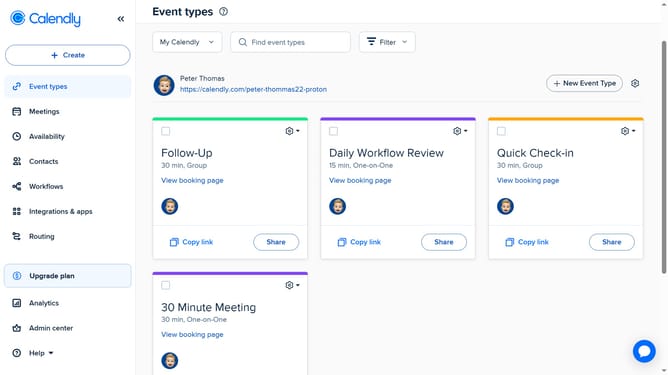
- First click on the "Routing" option in the left sidebar menu
- Locate the routing form you want to share in the list
- Next click on the "Share" button next to the form
- Then in the sharing modal, you can embed the routing form directly on your web page
- Alternatively, click the "Copy link" button under the "Share a link" tab to copy the URL and share it via email, chat, or other channels
Why should you share a routing form in Calendly
Calendly is your go-to tool for effortless scheduling and time management.
Sharing a routing form in Calendly streamlines the appointment-setting process by directing invitees to the most appropriate event type. This feature enhances efficiency by minimizing back-and-forth communication and ensuring that appointments align with both parties' preferences and needs.
Using Calendly's routing form sharing boosts productivity and improves client experience by simplifying how interactions are initiated and managed, fostering stronger professional relationships.
Last update