How to export group member data in Calendly
Here is how to export group member data in calendly
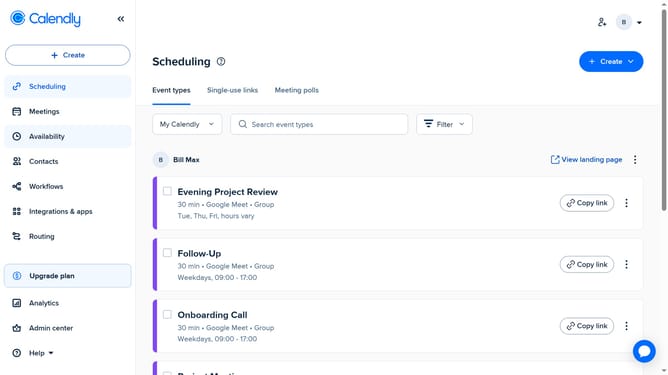
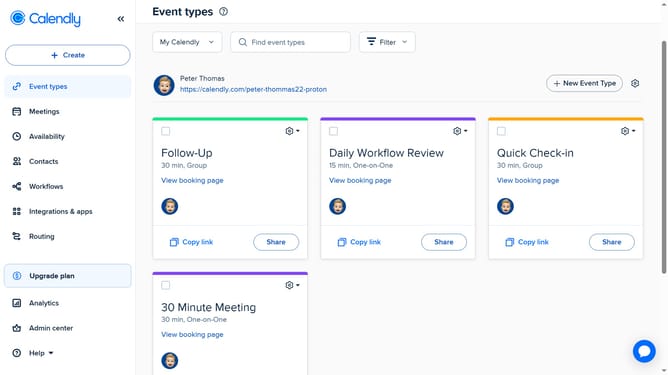
- First click on "Admin center" in the left sidebar menu
- Next click on "Groups" in the Organization settings section of the left sidebar
- Open the group whose member data you want to export
- Then click on the "Export" dropdown button in the top right
- Finally choose "Active" or "Pending" option in the Export dropdown menu
- The group member data will be exported and saved to your device
Why should you export group member data in Calendly
Calendly is an intuitive scheduling software designed to streamline and simplify meeting coordination.
The export group member data feature in Calendly enhances workflow efficiency by allowing users to easily organize and analyze participation information.
By exporting group member data, users can better manage contacts and tailor future engagements.
This feature provides valuable insights, fostering improved communication and collaboration within any team environment.
Last update