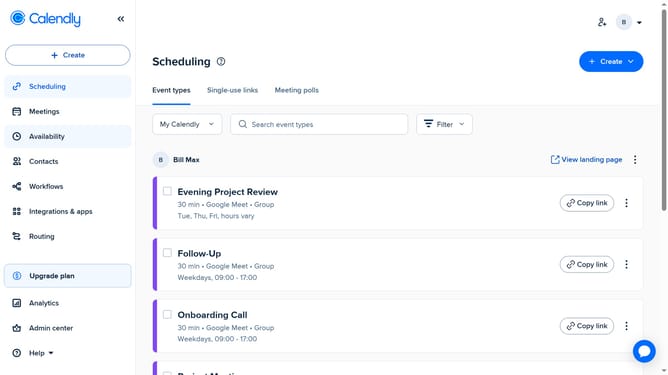
How to lock an event type to a specific time zone in Calendly
Here is how to lock an event type to a specific time zone in calendly
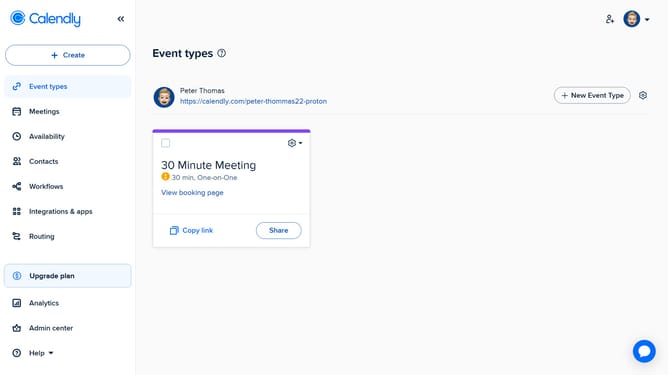
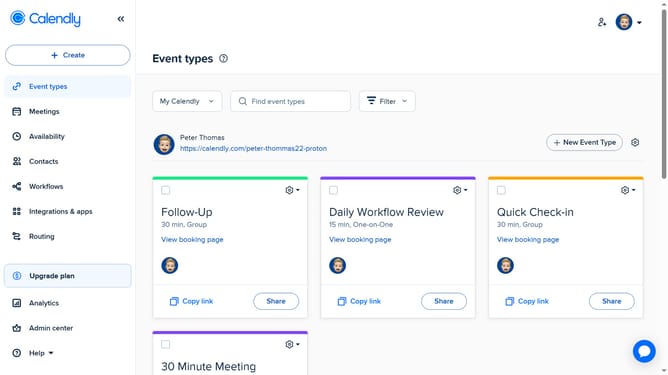
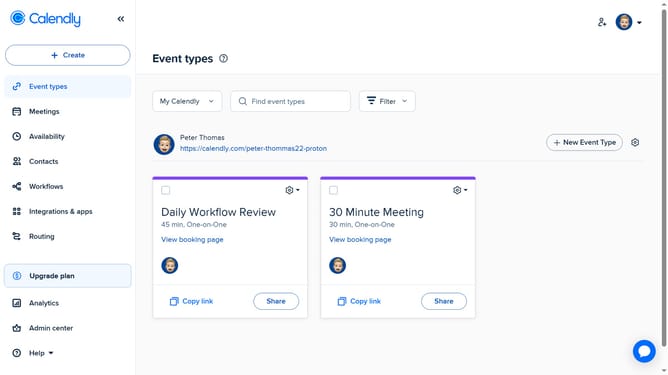
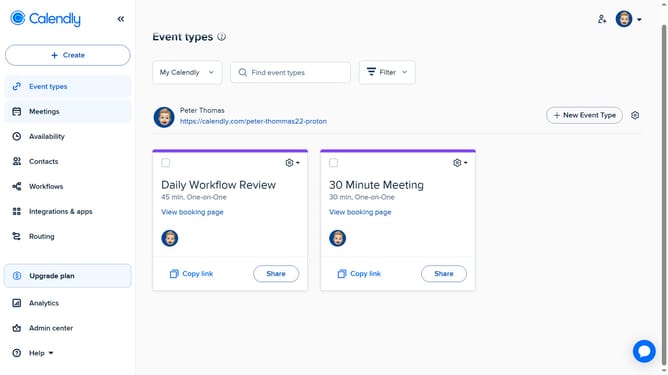
- First click on "Event types" in the left sidebar
- Next find and click on the event type you want to edit
- Click on the "More options" button in the settings panel
- Expand the "Booking page options" section
- Then select the option to Lock the timezone
- Finally click on "Save changes" button to apply the settings
- This will ensure invitees see and book the event only in the time zone you selected
Why should you lock an event type to a specific time zone in Calendly
Calendly is a streamlined scheduling tool designed to simplify and enhance your appointment-setting process.
One of its standout features is the ability to lock an event type to a specific time zone, ensuring consistency and clarity in your scheduling.
By maintaining a fixed time zone, you eliminate confusion and potential scheduling mishaps across different regions, fostering smoother communication.
This feature is particularly beneficial for businesses operating globally, as it ensures that all participants view and agree on a unified time for meetings or events.
Last update