How to share your landing page link in Calendly
Here is how to share your landing page link in calendly
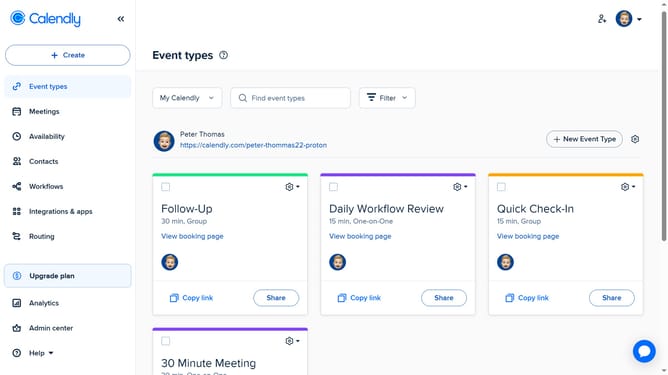
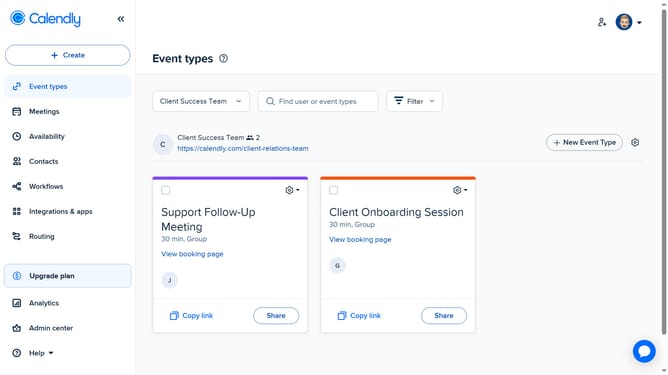
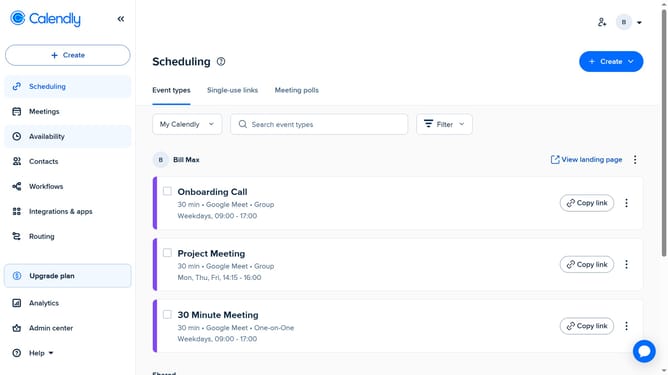
- First navigate to "Event types" in the left sidebar menu
- Next click on the gear icon in the top-right corner of the page
- Then click on "Copy Link" option to copy your landing page URL to your clipboard
- Finally, once copied, you can share the link anywhere via email, social media, messaging apps, or other platforms
Why should you share your landing page link in Calendly
Calendly is a seamless scheduling platform that simplifies the way people connect through easy appointment setting.
Sharing your landing page link in Calendly amplifies your ability to organize and streamline meetings. This feature ensures that all scheduling options are available at the recipient's fingertips, enhancing efficiency.
By utilizing this feature, you can ensure your availability is clearly communicated, reducing the back-and-forth of traditional scheduling and enhancing user experience with its simple, straightforward functionality.
Last update