How to share an event type in Calendly
Here is how to share an event type in calendly
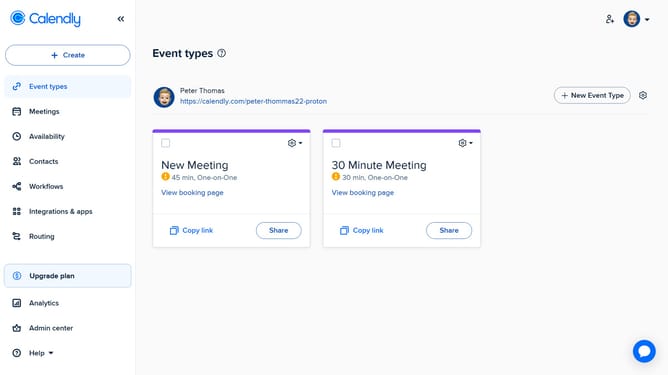
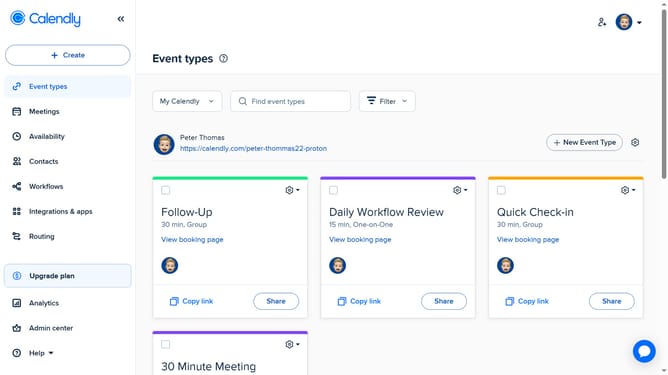
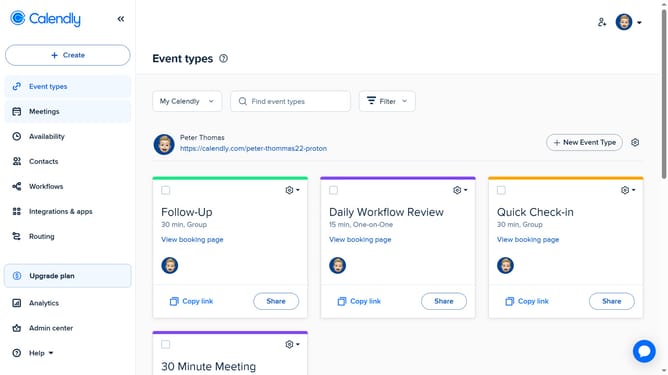
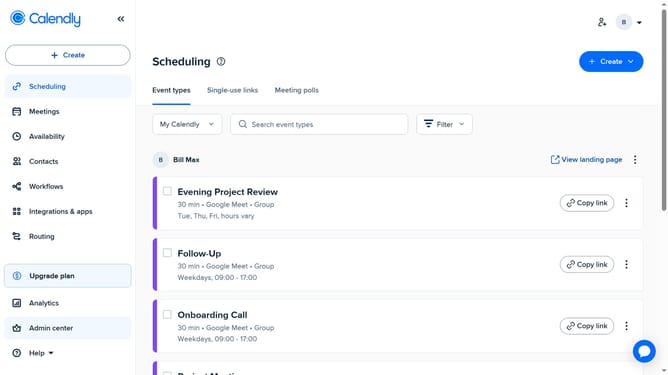
- First click on "Event types" in the left sidebar menu
- Find the event type you want to share
- Next click the "Share" button on the event card
- In "Add times to email" tab, insert specific available time slots into your email
- You can also, select the an option from the website integration choices in the "Add to website" tab
- Another option is to copy the scheduling link by clicking the "Copy Link" button
- Finally once copied, you can share the event link through email, messaging apps, or any other communication platform
Why should you share an event type in Calendly
Calendly is a revolutionary scheduling platform designed to simplify meeting arrangements.
The feature of sharing an event type in Calendly is a seamless way to connect with others by inviting them to select a time that suits both parties. Users can efficiently spread the word about their availability without unnecessary back-and-forth communications.
This feature is particularly beneficial for professionals aiming to maximize productivity, as it effortlessly coordinates schedules, saves valuable time, and ensures appointments are secured with minimal effort.
With shared event types, collaboration becomes more streamlined and organized, fostering more meaningful and punctual interactions.
Last update