How to cancel a One-off meeting in Calendly
Here is how to cancel a one-off meeting in calendly
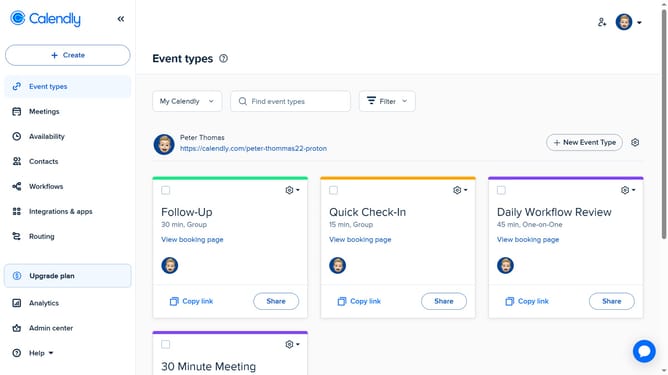
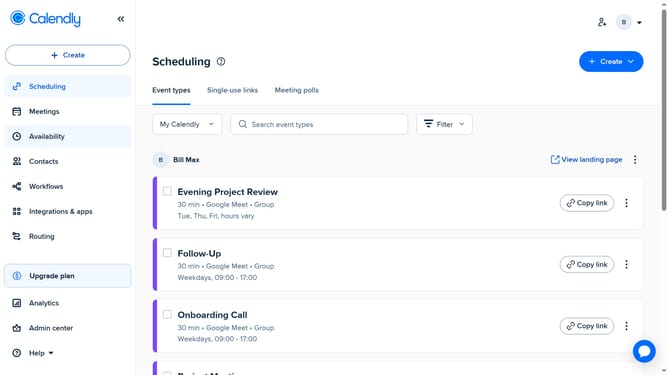
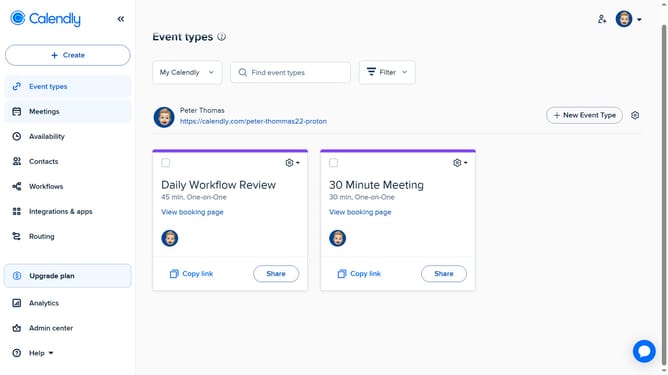
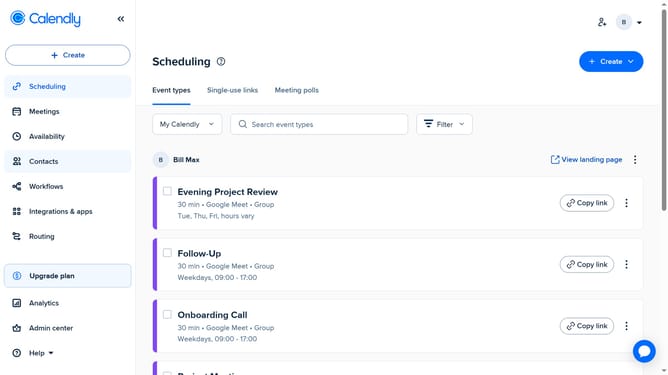
- First click on the "Meetings" option in the left sidebar menu
- Next locate the One-off meeting you want to cancel under any relevant tab (Pending, Upcoming, or others)
- Click on the meeting to open its details
- Then click on the "Cancel" button in the meeting details panel
- In the "Add an optional message" field, enter a message if you’d like to include one
- Finally click the "Yes, cancel" button to confirm cancelling the meeting
Why should you cancel a One-off meeting in Calendly
Calendly is a streamlined scheduling platform designed to simplify and enhance the way meetings are managed.
When you need to cancel a one-off meeting in Calendly, it's hassle-free, ensuring your schedule stays accurate and up-to-date.
This feature helps users maintain flexibility, offering an easy way to manage unexpected changes without any stress.
Ultimately, it promotes efficient time management and clear communication with attendees, ensuring that every meeting aligns with your current priorities and commitments.
Last update