How to make an event type secret in Calendly
Here is how to make an event type secret in calendly
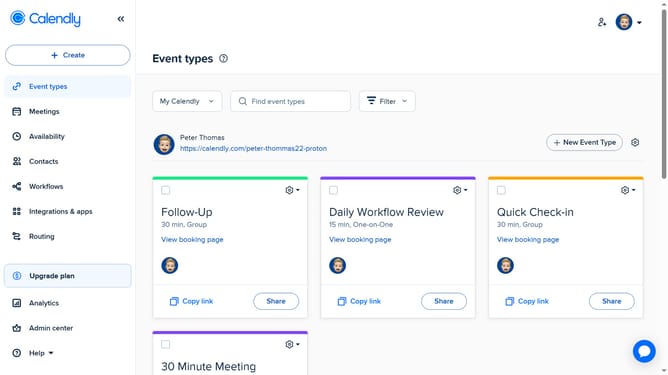
- First navigate to "Event types" in the left sidebar menu
- Next find the event type you want to make secret
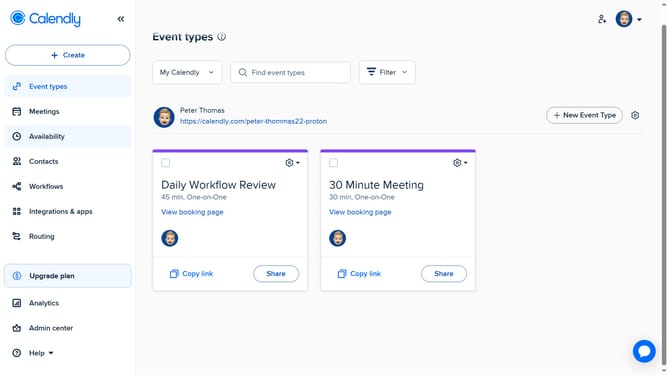
- Then click on the settings gear icon in the top-right corner of that event type card
- Finally select the "Make secret" option in the dropdown menu
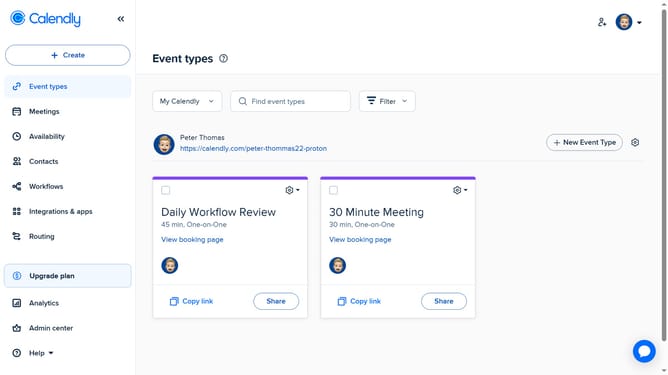
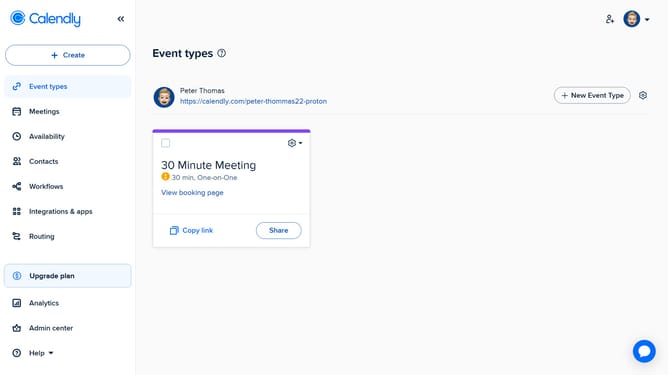
- The event visibility has been updated, it will no longer appear on your public Calendly booking page
Why should you make an event type secret in Calendly
Calendly is an intuitive scheduling tool designed to simplify the way professionals manage their calendars.
One standout feature is the ability to make an event type secret. This feature allows users to create exclusive events only accessible to those with the link, keeping them discreet and private.
This is particularly beneficial for hosting confidential meetings or private consultations, ensuring only select invitees are aware of the event.
By keeping an event secret, you maintain control over your schedule and avoid unwanted interruptions.
Last update