How to automatically sync your calendar with Calendly
Here is how to automatically sync your calendar with calendly
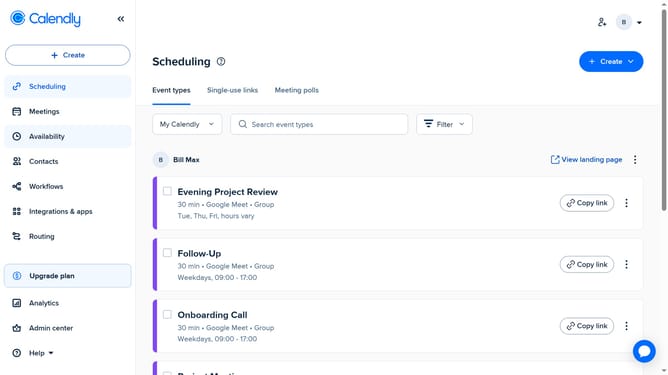
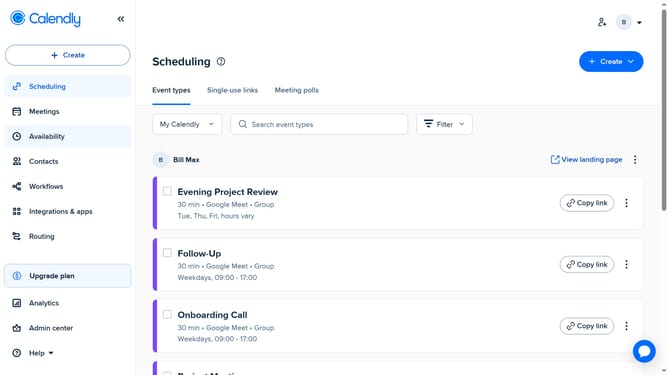
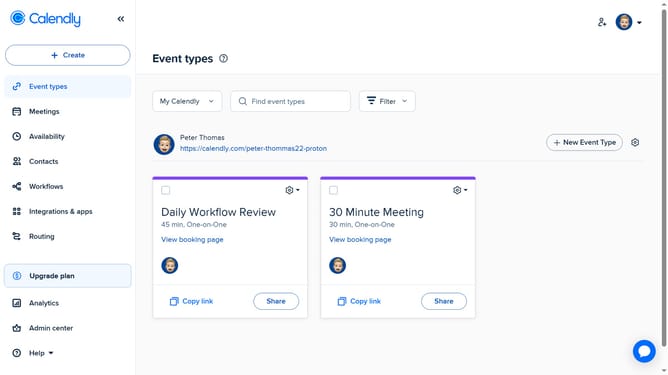
- First click on "Availability" in the left sidebar menu
- Next click on "Calendar settings" tab in the top navigation
- Then locate "Sync settings" section in the Calendar settings
- Finally check the "Automatically sync changes from this calendar to Calendly" option
- The changes to your calendar will now automatically reflect in Calendly, keeping your availability accurate
Why should you automatically sync your calendar with Calendly
Calendly is a seamless scheduling tool designed to simplify meeting coordination.
Automatically syncing your calendar with Calendly enhances efficiency by ensuring all your appointments are collaboratively managed in one place. This integration minimizes the risk of scheduling conflicts and keeps your agenda up-to-date, allowing you to focus on your priorities without being bogged down by logistics.
By connecting your calendar with Calendly, you gain insight and control over your availability, helping you maintain a harmonious balance between professional commitments and personal time.
Last update