How to embed a routing form on your website in Calendly
Here is how to embed a routing form on your website in calendly
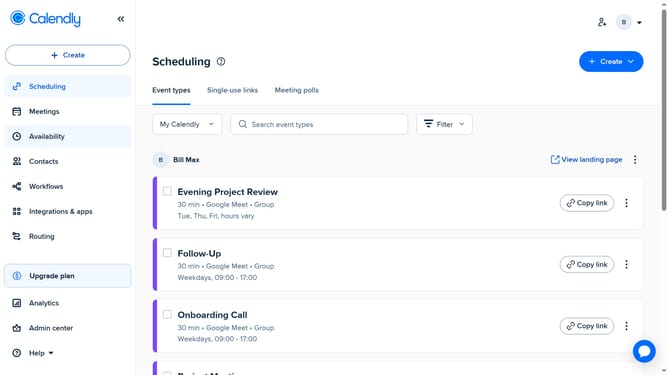
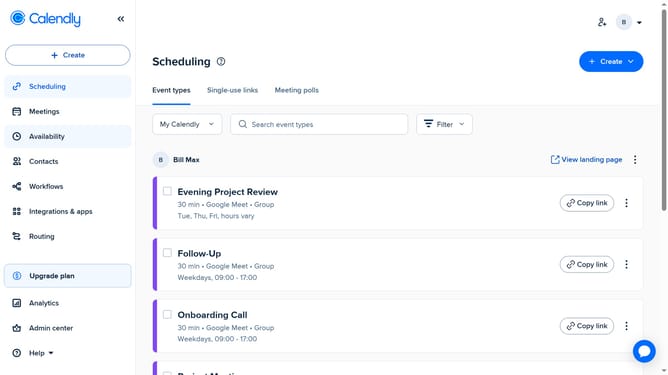
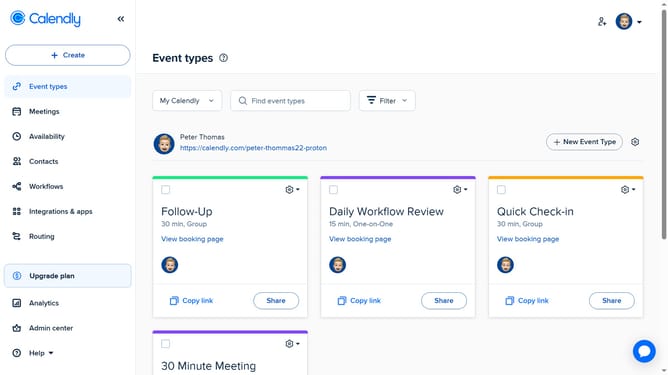
- First navigate to "Routing" section in the left sidebar menu
- Find the routing form you want to embed in the list
- Next click on the "Share" button located in the form row
- Then click on the "Add to website" tab in the sharing dialog
- Choose your embed type from the embedding choices (Inline Embed, Popup Widget, or Popup Text)
- Click the "Continue" button to proceed with the embedding setup
- In the routing page settings, customize the settings as needed (size, colors, text, etc.)
- Finally click the "Copy Code" button to copy the embed code
- Now paste this code into your website’s HTML where you want the form to appear
Why should you embed a routing form on your website in Calendly
Calendly is a streamlined scheduling tool designed to simplify appointment bookings.
The ability to embed a routing form directly on your website in Calendly offers seamless connectivity between your site's visitors and your scheduling platform.
This feature enhances user engagement by efficiently guiding clients through a tailored booking experience, effortlessly directing them to the appropriate scheduling path with structured simplicity.
Integrating a routing form on your site saves time, reduces confusion, and ensures a smoother scheduling process for users.
Last update