How to create date-specific availability in Calendly
Here is how to create date-specific availability in calendly
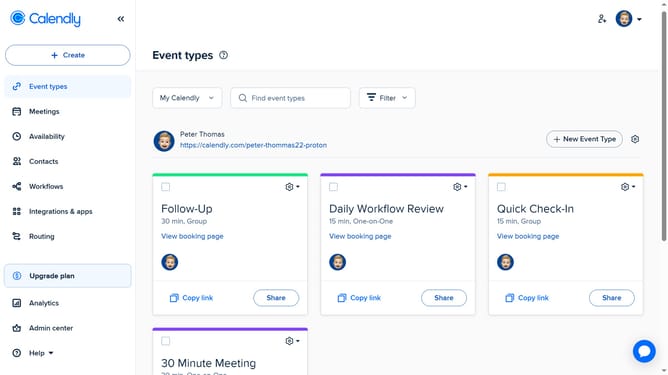
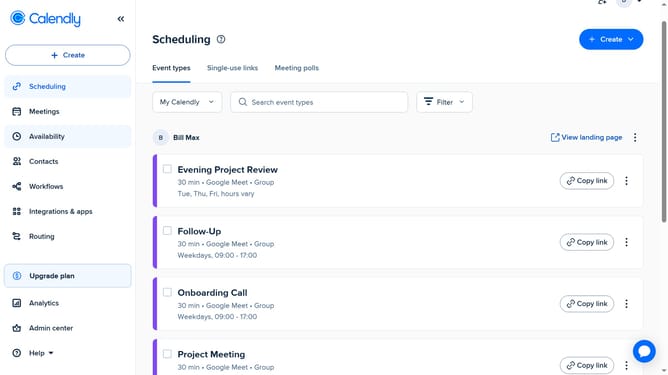
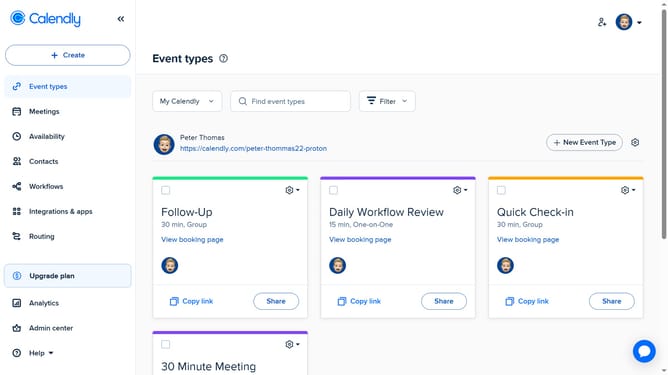
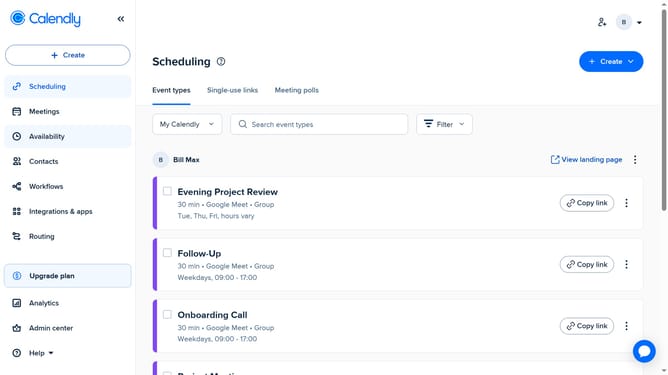
- First navigate to "Availability" in the left sidebar menu
- Next select the availability schedule you want to edit
- In the Schedule tab, click on the "Hours" button located in the Date-specific hours section
- Choose the specific date you want to set hours for, from the calendar
- Then set your start and end times for that date
- Finally click the "Apply" button to save the selected time slot
- Your date-specific availability is now created and will override your regular schedule for that day
Why should you create date-specific availability in Calendly
Calendly is a user-friendly scheduling platform designed to streamline appointment booking, making it seamless and efficient.
Creating date-specific availability in Calendly allows users to tailor their scheduling options to fit varied and unique needs. This feature provides flexibility, enabling you to dictate precisely when clients or colleagues can book appointments, enhancing productivity.
Utilizing date-specific availability ensures you manage your time effectively, preventing double bookings and aligning meetings with your schedule effortlessly. This approach guarantees a smooth and organized booking experience for everyone involved.
Last update