How to remove your profile picture in Calendly
Here is how to remove your profile picture in calendly
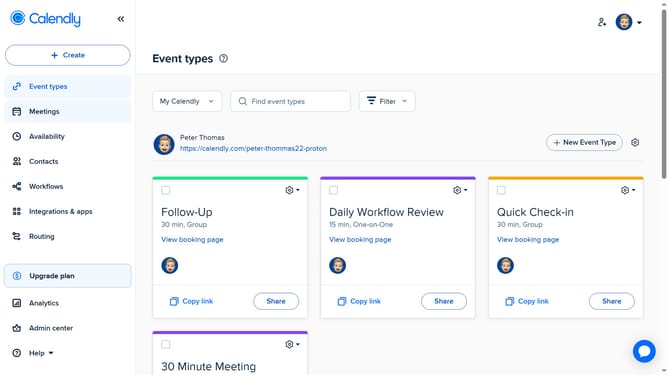
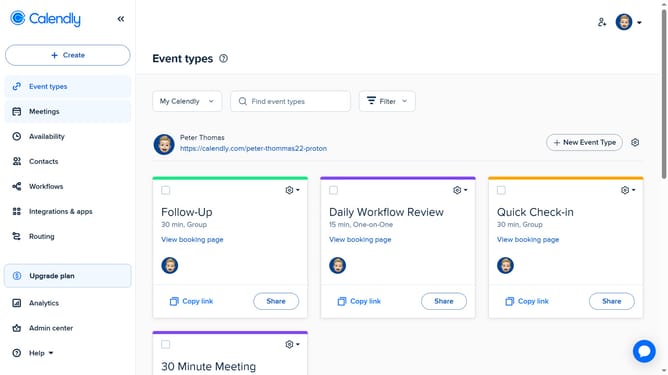
- First click on the profile picture in the top-right corner of the header
- Next select the "Profile" option from the dropdown menu
- Then click on the "Remove" button next to the profile picture
- Finally click on the "Save Changes" button at the bottom of the profile settings page
- Your profile picture has been successfully removed
Why should you remove your profile picture in Calendly
Calendly is a streamlined tool designed to simplify scheduling by connecting individuals seamlessly.
Removing your profile picture in Calendly can enhance privacy and maintain a professional, uniform appearance on your scheduling page.
This feature is particularly beneficial for those who prefer to keep their visual identity private while still offering an efficient scheduling experience.
By choosing to manage your profile picture settings, you retain control over how much personal information is shared, enhancing your comfort and confidence in maintaining professional boundaries.
Last update