How to view your past meetings in Calendly
Here is how to view your past meetings in calendly
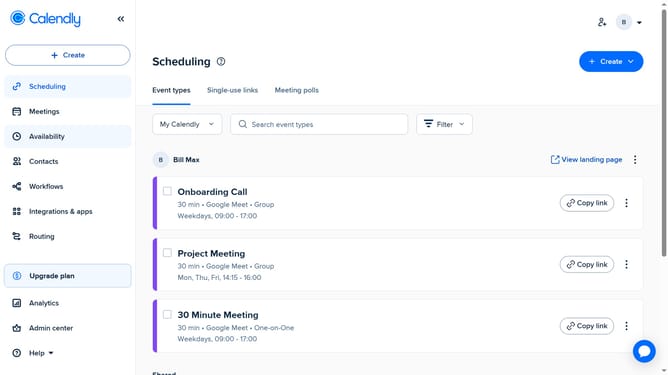
- First click on "Meetings" in the left sidebar menu
- Next click on the "Past" tab in the meetings view navigation bar
- Then, you can see all your past meetings, all meetings that have already taken place
- Finally you can click on any past meeting to view its full details
Why should you view your past meetings in Calendly
Calendly is a seamless scheduling tool that simplifies the appointment booking process.
One of its invaluable features is the ability to view your past meetings effortlessly. This function allows users to reflect on previous interactions, ensuring nothing is overlooked. By quickly accessing meeting history, you can maintain continuity in conversations and keep track of commitments.
Moreover, reviewing past meetings can provide insights into your scheduling patterns and help you optimize future appointments. This enhances productivity and allows for more informed decision-making.
Last update