How to change the time zone in Calendly
Here is how to change the time zone in calendly
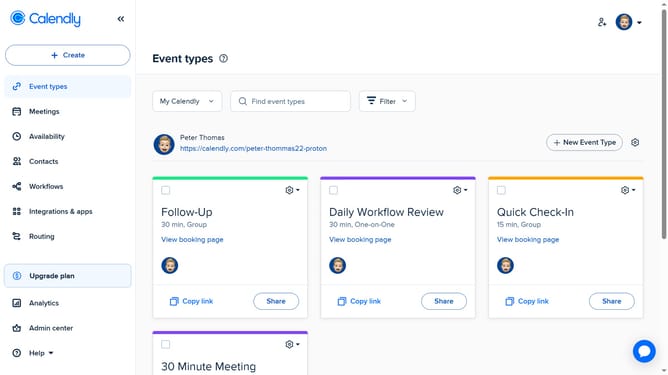
- First click on the profile picture button in the top-right header
- Then click on the "Profile" option in the dropdown menu
- In the Profile settings page, scroll down to the "Time Zone" section
- Next click on the "Time zone" dropdown menu
- Then select your preferred time zone from the dropdown list
- Finally click the "Save Changes" button to apply the new timezone settings
Why should you change the time zone in Calendly
Calendly is an intuitive scheduling platform designed to simplify planning by automating meeting bookings.
One of its standout features is the ability to change your time zone effortlessly. This is particularly useful for users who travel frequently or manage meetings across different regions, ensuring that all your appointments align with your current local time.
By adjusting the time zone in Calendly, you minimize the risk of scheduling mishaps and can maintain consistent meeting times without additional effort, enhancing productivity and professionalism.
Last update