How to delete a team in Calendly
Here is how to delete a team in calendly
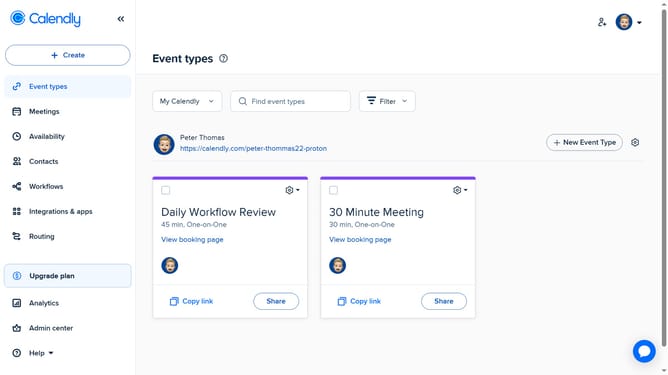
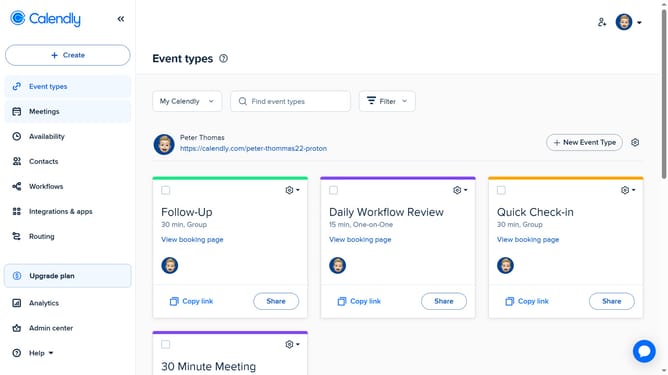
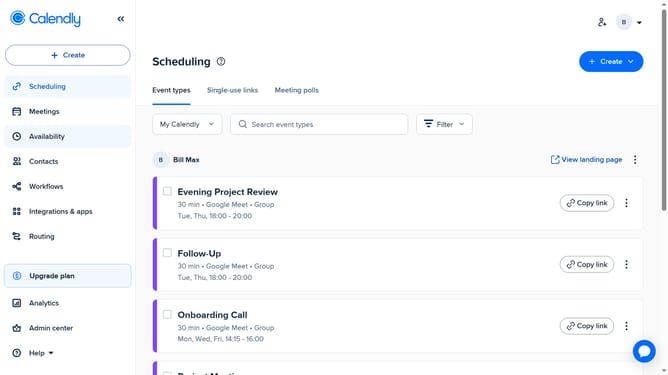
- First navigate to "Event types" in the left sidebar
- Next click on the "My Calendly" dropdown menu in the top toolbar
- Select the team you want to delete from the dropdown list
- Click on the settings icon (gear icon) in the top right corner
- Then click on the "Delete Team" option from the dropdown menu
- Finally, click the "Yes" button in the confirmation dialog to confirm team deletion
- Once deleted, all associated event types and links will be removed
Why should you delete a team in Calendly
Calendly is a seamless scheduling platform designed to simplify the meeting booking process.
The feature that allows you to delete a team in Calendly is beneficial for maintaining an organized workspace. When your team structure changes or dissolves, this feature ensures your scheduling environment stays streamlined and up-to-date.
By keeping unnecessary clutter out of your digital calendar, it enhances your ability to focus on active teams and important tasks, promoting efficiency in your scheduling workflow.
Last update