How to view the results of your meeting poll in Calendly
Here is how to view the results of your meeting poll in calendly
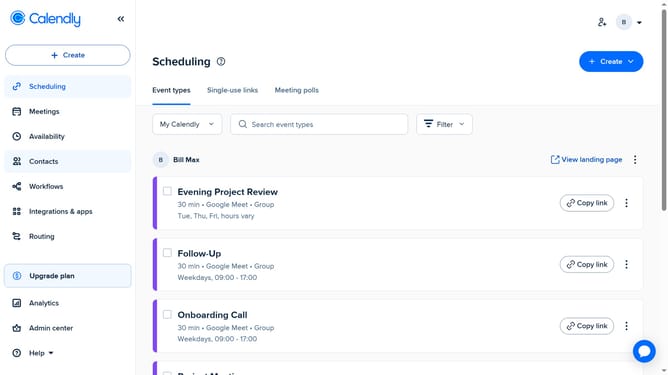
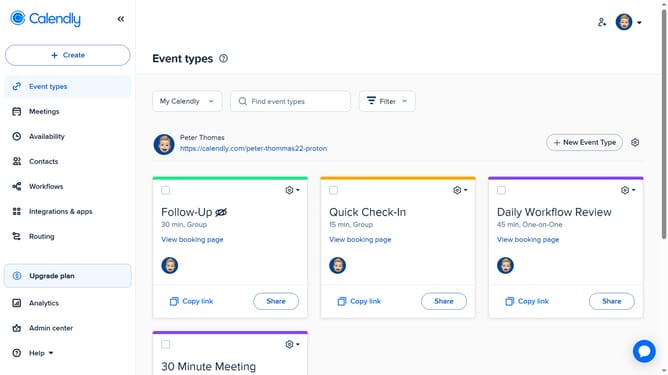
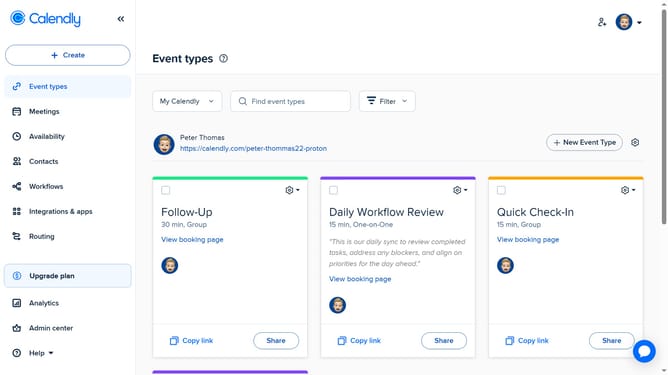
- First click on "Meetings" in the left sidebar menu
- Next click on "Pending" tab in the meetings view
- Locate and click the meeting poll you want to view to open its details
- Then click on "See all poll results" link at the bottom of the poll details
- Finally you’ll see the results of your meeting poll, including each invitee’s name and the time slots they voted for
Why should you view the results of your meeting poll in Calendly
Calendly streamlines scheduling by effortlessly coordinating meetings and events.
Viewing the results of your meeting poll in Calendly allows you to quickly assess participants’ availability and preferences. This feature enables you to see at a glance which time slots are favored, helping you make informed decisions on when to schedule the meeting.
Utilizing this feature saves you time, eliminates back-and-forth emails, and ensures higher attendance rates. By achieving smoother scheduling, your meetings can focus more on productivity and less on logistics.
Last update