How to create a team page in Calendly
Here is how to create a team page in calendly
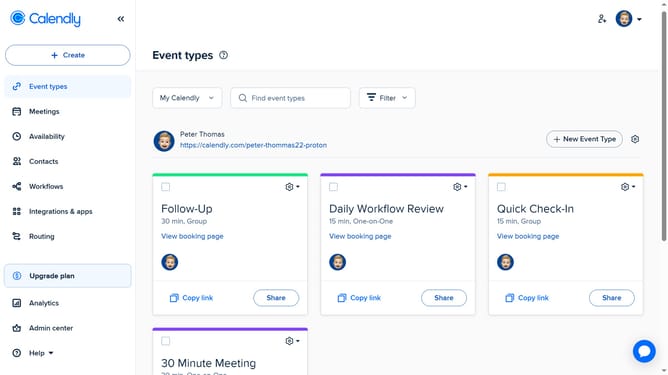
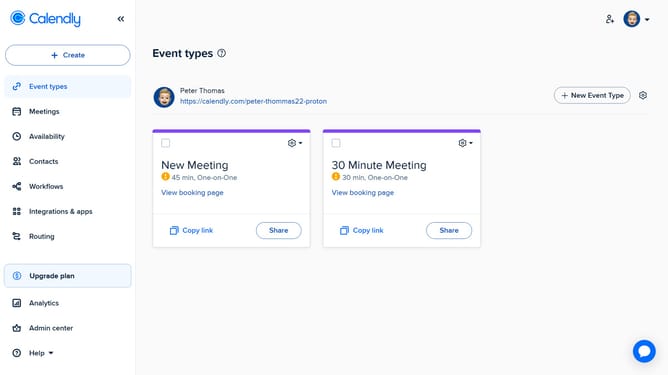
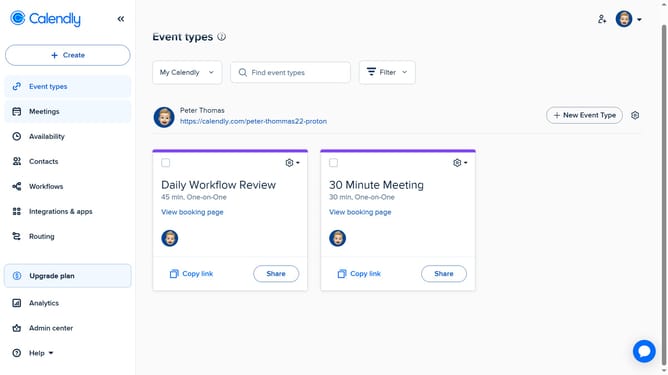
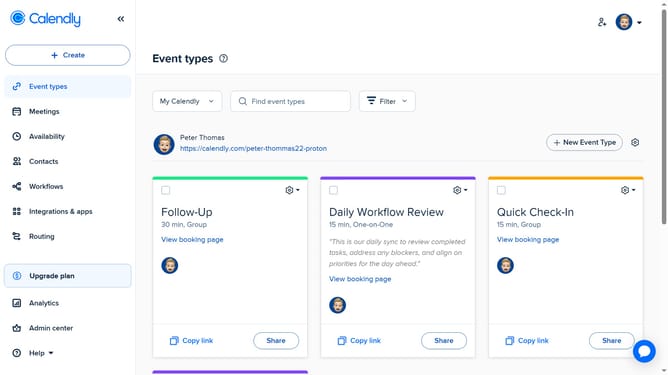
- First go to "Event types" or "Meetings" in the left sidebar menu
- Next click on the "My Calendly" dropdown menu in the top toolbar
- Click on the "+ NEW TEAM" button in the dropdown menu
- Enter a name in the Team Name field
- A team page URL is automatically generated based on the name you provide, but you can customize it to create a unique link if needed
- Click the “Welcome Message” text field and enter a message to greet visitors to your team page
- To add team members, click on the "Team Members" field and enter their name or email
- Then select the correct user from the dropdown list
- You can add as many members as needed
- You can check the “Can manage team” to give specific members admin rights
- Next to add a team avatar, click on "Upload picture" button
- Then in the "Time Zone" section, set the team time zone
- Finally click the "Create" button to finalize team creation
Why should you create a team page in Calendly
Calendly is an intuitive scheduling platform that makes setting appointments effortless.
Creating a team page in Calendly enables businesses to showcase their team members' availability on a single page.
This feature streamlines scheduling for clients, allowing them to choose the right team member based on availability.
The team page fosters collaboration, enhances client experience, and improves overall efficiency, making it a valuable asset for any organization.
Last update