How to set the meeting location for a One-off meeting in Calendly
Here is how to set the meeting location for a one-off meeting in calendly
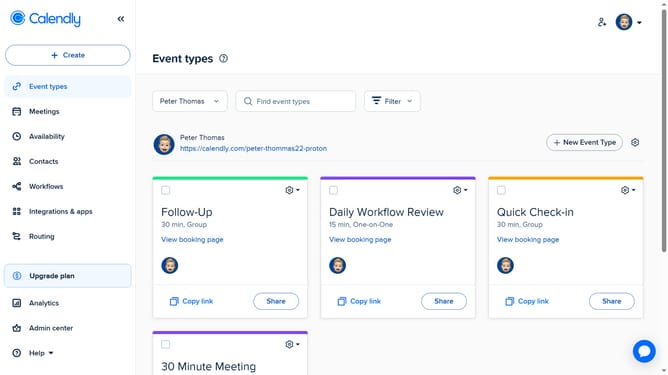
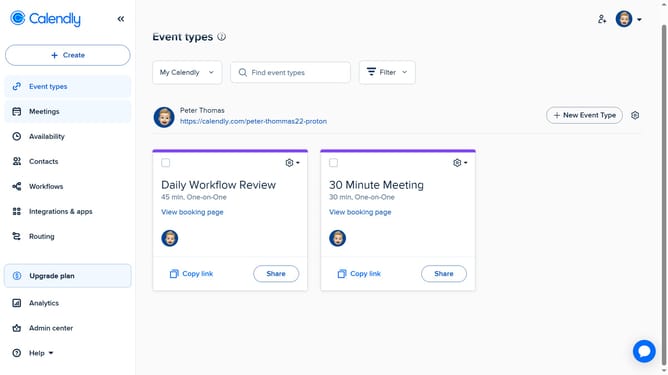
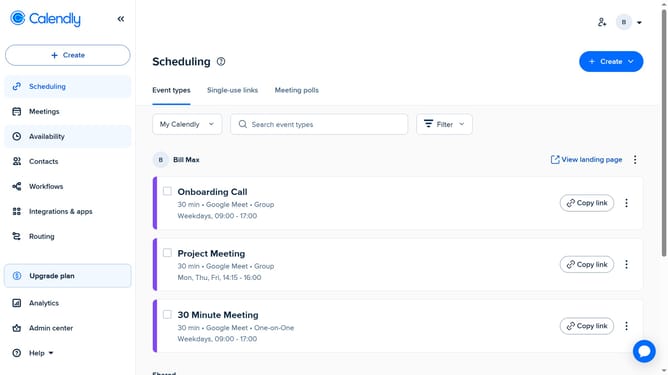
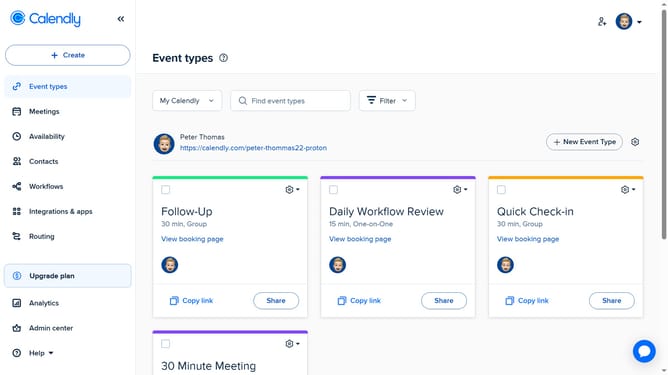
- First click on the "Event types" in the left sidebar
- Next click on the "New Event Type" button in the top right corner
- Click on "More ways to meet" option in the dropdown menu
- Select "One-off meeting" from the available options
- Then choose several date and time options you want to offer to invitees in the calendar grid
- Next, on the left side, adjust the time zone, meeting duration and add hosts as needed
- Click the "Next" button at the bottom of the scheduling page
- In the event details section, enter a name for the meeting in the name field
- Then, to set the location, select the meeting type such as Zoom, Phone call, or In-person
- For additional options, click the "All options" dropdown and choose the one that fits your meeting
- Customize any other necessary settings, then click the "Share meeting link" button
- Finally, in the share dialog, click "Copy Times" to share specific available time slots or copy the meeting link
Why should you set the meeting location for a One-off meeting in Calendly
Calendly is a streamlined scheduling tool designed to simplify booking meetings with ease and efficiency.
Setting the meeting location for a One-off meeting in Calendly is intuitive and ensures that all participants are on the same page.
This feature adds clarity and convenience by allowing you to specify whether the meeting will be in-person, over the phone, or via a preferred video conferencing platform.
By pre-determining the venue, it eliminates confusion and saves time, ensuring seamless coordination and enhancing the overall meeting experience.
Last update