How to change the language of an event type in Calendly
Here is how to change the language of an event type in calendly
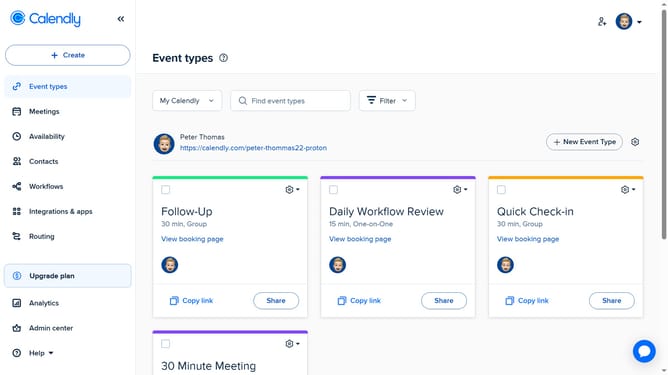
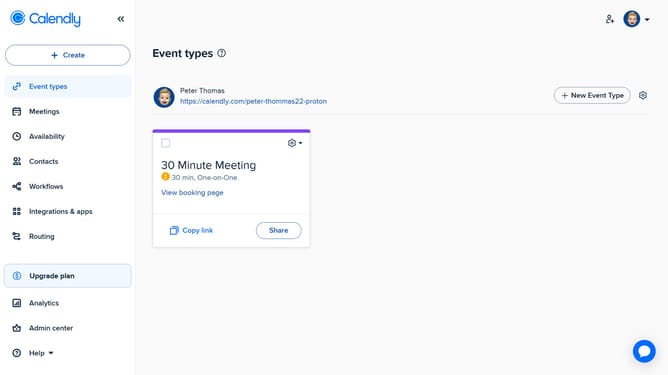
- First navigate to the "Event types" in the left sidebar menu
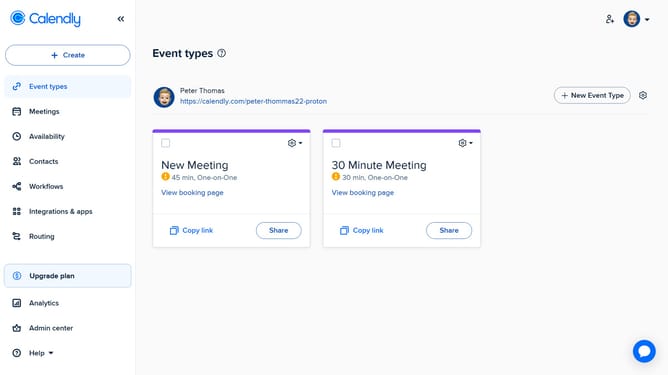
- Next find the event type you want to edit the language for
- Click on the settings gear icon in the top-right corner of that event type card
- Then select "Change language" option from the dropdown menu
- In the language selection modal, select the language you want to change it to
- Finally click the "Yes" button to confirm the language change
- The event type language is now changed, and the interface and notifications for invitees will appear in the selected language
Why should you change the language of an event type in Calendly
Calendly is a seamless scheduling tool that simplifies meeting planning.
One great feature is the ability to change the language of an event type, ensuring that your guests have a comfortable and personalized experience. This feature is particularly handy for those hosting international clients or team members, removing language barriers and enhancing communication.
By utilizing this feature, you demonstrate inclusivity and professionalism, tailoring your scheduling process to suit global audiences with ease.
Last update