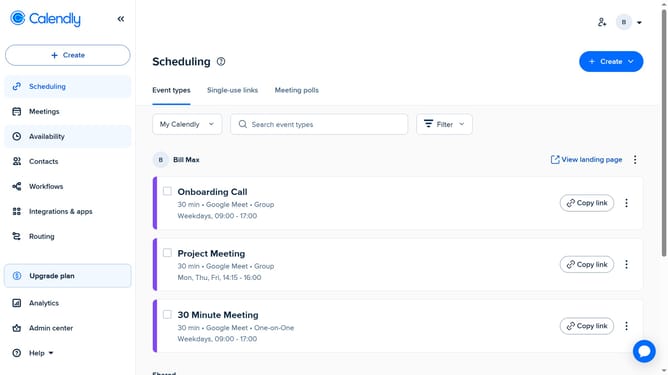
How to delete a contact in Calendly
Here is how to delete a contact in calendly
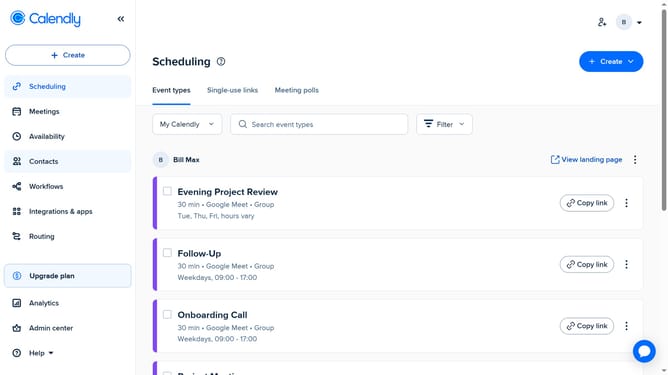
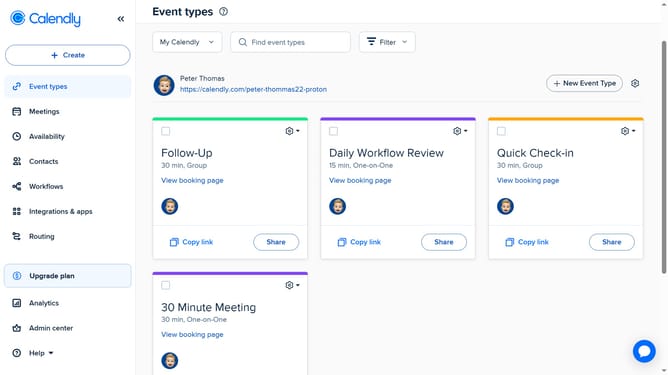
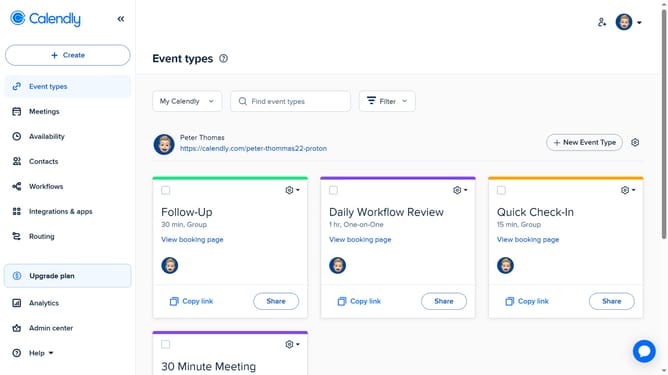
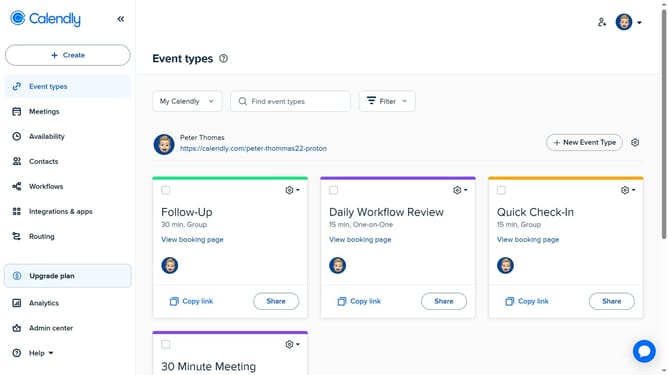
- First click on the "Contacts" item in the left sidebar menu
- Find and select the contact you want to delete in the contacts list
- Next click on the edit icon in the top-right corner
- Then click on the "Delete" link at the bottom of the edit contact form
- Finally click the "Delete contact" button in the confirmation dialog
Why should you delete a contact in Calendly
Calendly is a powerful scheduling tool designed to streamline your appointment setting process.
One of its handy features allows you to efficiently delete a contact, maintaining a clean and organized contact list.
By removing outdated or unnecessary contact information, you ensure accurate scheduling and avoid mix-ups.
Ultimately, this capability supports better time management and enhances your productivity by keeping your focus on valuable engagements.
Last update