How to change the duration of an event type in Calendly
Here is how to change the duration of an event type in calendly
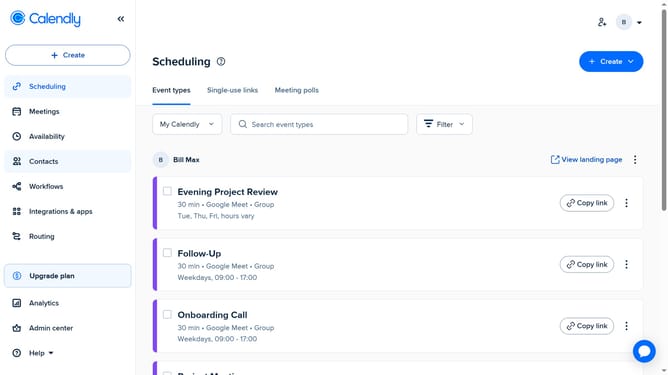
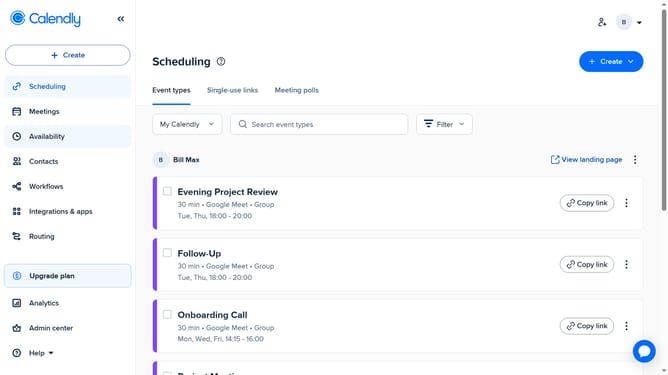
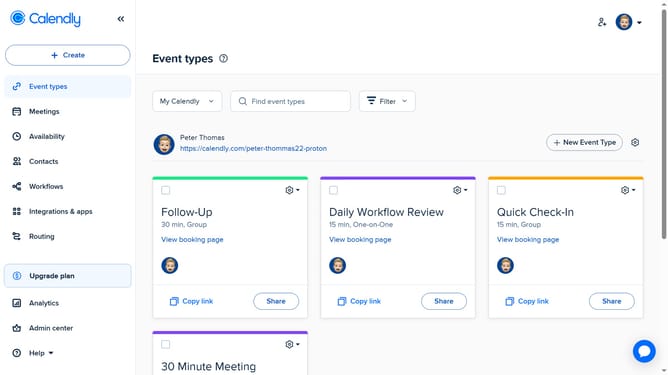
- First navigate to "Event types" in the left sidebar menu
- Next select the event type whose duration you want to change
- In the right sidebar, click on the "Duration" section to exapand it
- Click on the duration dropdown menu
- Then choose a new length for the event from the duration options
- Finally click on "Save changes" button in the bottom right
- The event duration has been successfully updated
Why should you change the duration of an event type in Calendly
Calendly is an intuitive scheduling tool designed to simplify and streamline how we manage appointments and meetings.
One of its standout features is the ability to seamlessly change the duration of an event type, providing ultimate flexibility and control over your schedule.
This feature is particularly beneficial in ensuring that your meetings align perfectly with your time allocation, preventing overruns and enhancing productivity.
By customizing event durations, users can tailor their calendar to better fit personal preferences and varying needs, ensuring a more efficient time management experience.
Last update