How to create a contact in Calendly
Here is how to create a contact in calendly
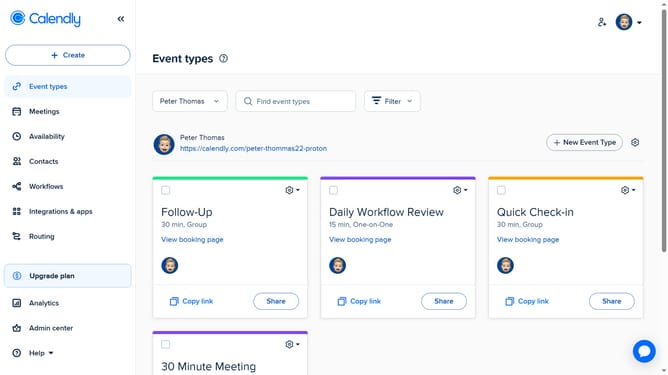
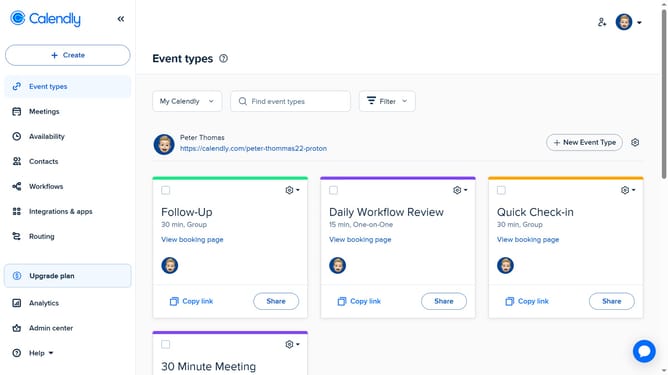
- First click on "Contacts" in the left sidebar menu
- Next click on the "Add contact" button in the top-right corner
- In the Add Contact form, enter the contact’s details such as name, email, phone number, and any other relevant information
- You can also upload a profile image if needed
- Finally click "Save contact" at the bottom of the form to create the contact
Why should you create a contact in Calendly
Calendly is a streamlined scheduling tool that helps you effortlessly organize meetings.
A valuable feature in Calendly is the ability to create contacts, empowering you to manage and maintain essential connections seamlessly. By having your contacts organized within Calendly, scheduling becomes a more personalized experience.
This feature ensures you always have quick access to relevant information when setting meetings, enhancing your workflow efficiency and communication.
Embrace the ease of coordinated scheduling and keep your calendar flowing smoothly with Calendly’s contact management.
Last update