How to share your landing page in Calendly
Here is how to share your landing page in calendly
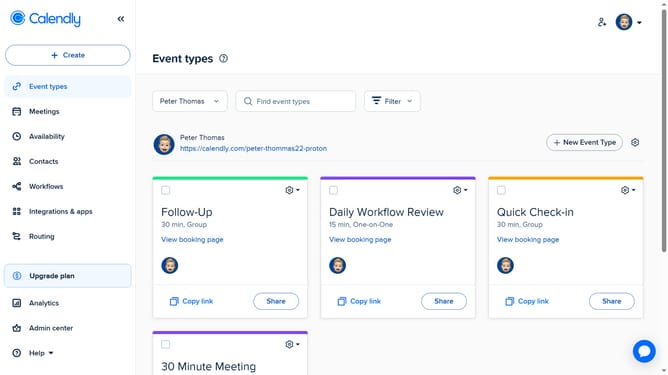
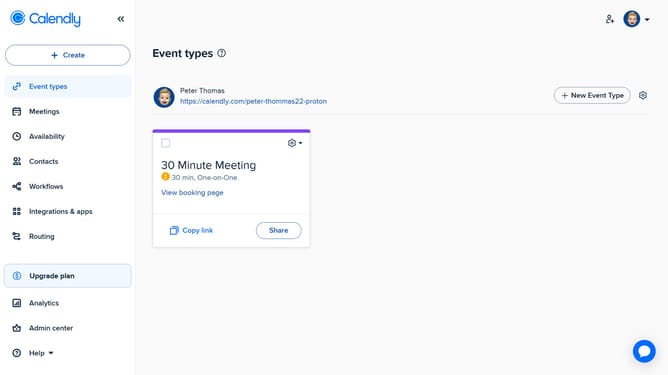
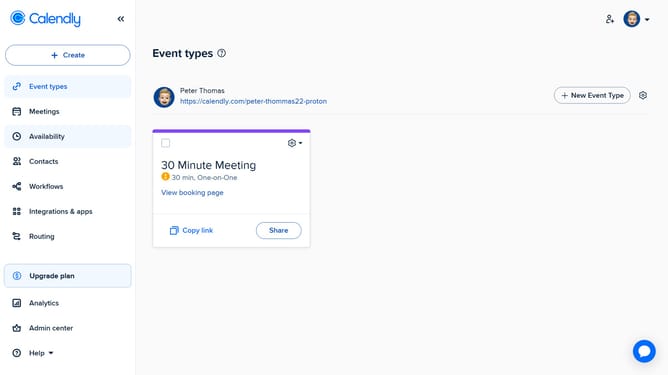
- First navigate to "Event types" in the left sidebar menu
- Next click on the gear icon in the top-right corner of the page
- Then click on "Copy Link" option from the dropdown menu
- Finally once the landing page link is copied, you can share it anywhere via email, social media, or in messages
Why should you share your landing page in Calendly
Calendly, a powerful scheduling tool, streamlines your appointment booking with ease.
Sharing your landing page in Calendly allows you to effortlessly connect with your audience or clients. By simply enabling this feature, you make scheduling as convenient as possible.
This not only saves time but also enhances your professional image by ensuring seamless coordination. The easy sharing functionality fosters better communication and trust, making every interaction smooth and productive.
Last update