How to delete a routing form in Calendly
Here is how to delete a routing form in calendly
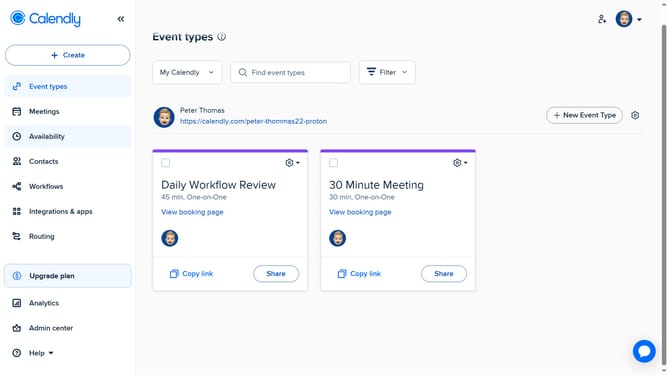
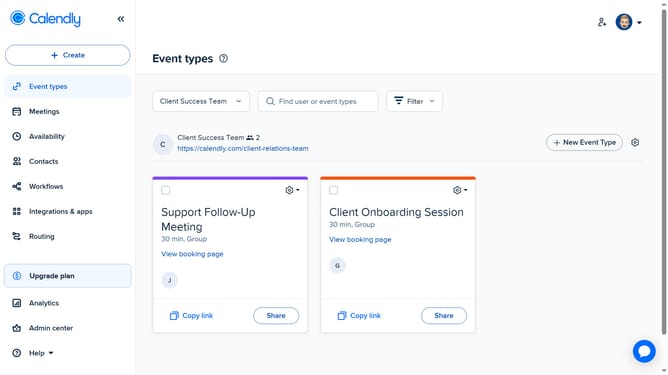
- First navigate to the "Routing" section in the left sidebar menu
- Find the routing form you want to delete in the forms list
- Next click on the options menu (three dots) next to it
- Then select the "Delete" option from the dropdown menu
- Finally click the "Delete" button in the confirmation dialog to permanently remove the form
Why should you delete a routing form in Calendly
Calendly is a user-friendly tool designed to streamline scheduling with ease and efficiency.
The ability to delete a routing form in Calendly ensures that your scheduling environment remains clutter-free and organized.
This feature allows you to keep your booking pages updated, ensuring only the most relevant forms are available for your scheduling needs.
By managing the forms that are accessible, you enhance the user experience for both you and your clients, providing a seamless interaction every time.
Last update