How to set up a shared Round Robin event type in Calendly
Here is how to set up a shared round robin event type in calendly
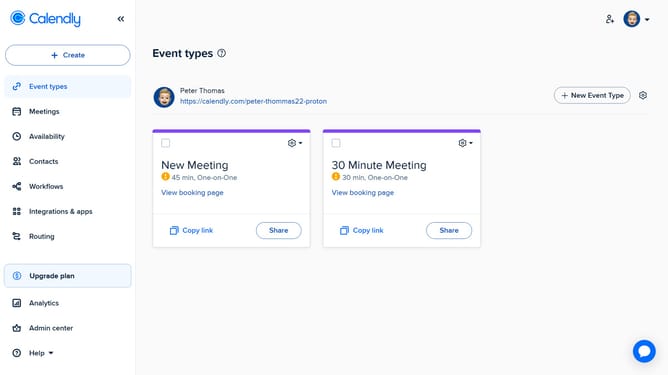
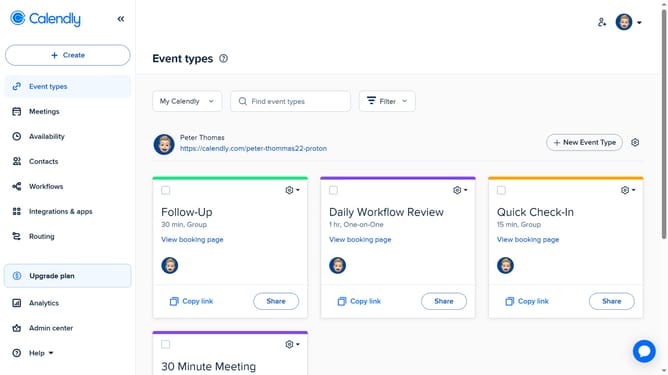
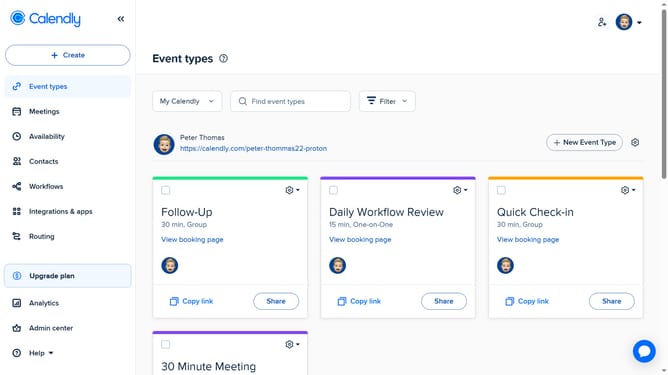
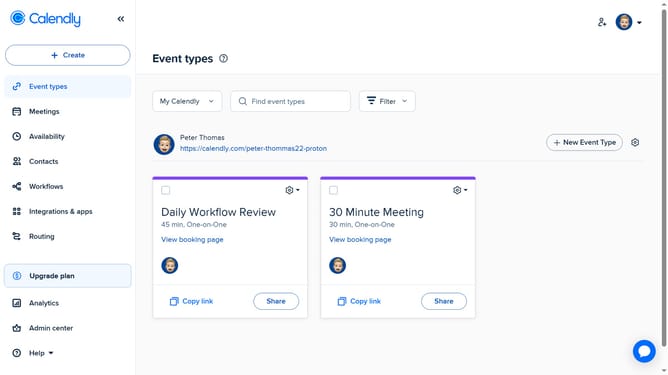
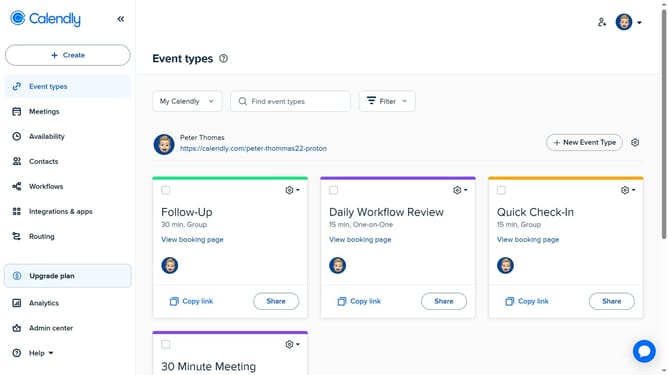
- First click on "Event types" item in the left sidebar menu
- Next click on "New Event Type" button in the main content area
- Select the "Round robin" option in the dropdown menu
- Enter a name for the event and select a color if desired
- In the event settings panel, configure the duration and availability
- Next click on the "Hosts" section to configure meeting participants
- Click on "Add rotating-host" button to add members to this meeting
- Then select the rotating hosts from the dropdown list
- Under Reschedule preference, set your reschedule preference
- To set up meeting location, click on "Location" section
- Here you can set the location for each host or apply the same location to all hosts
- Click on "More options" button to access additional settings
- Here, you can customize advanced options such as a description, buffer time, booking page settings, and other custom options
- Finally click on "Save changes" button to save the event type configuration
- Your shared Round Robin event type has been successfully created
Why should you set up a shared Round Robin event type in Calendly
Calendly is a user-friendly scheduling tool that simplifies finding mutually convenient meeting times.
The shared Round Robin event type in Calendly allows multiple team members to share the responsibility of hosting meetings. This feature intelligently rotates the meeting hosts based on availability, ensuring a balanced workload.
By leveraging the Round Robin event, teams can maximize their scheduling efficiency, reduce response times, and enhance client engagement. It's an excellent way to collaborate effectively while maintaining individual productivity.
Last update