How to create a One-off meeting in Calendly
Here is how to create a one-off meeting in calendly
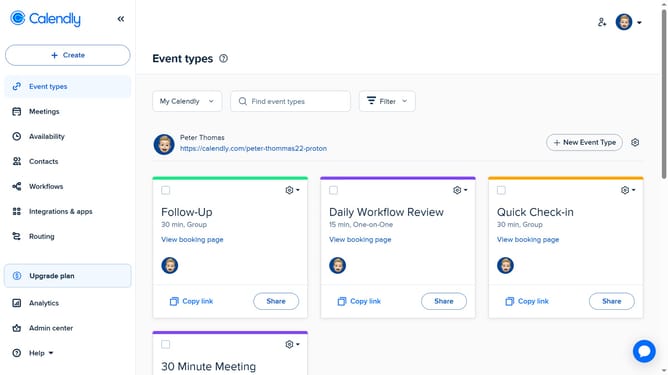
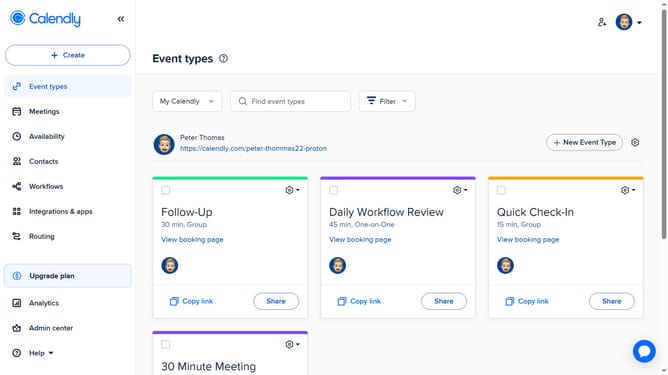
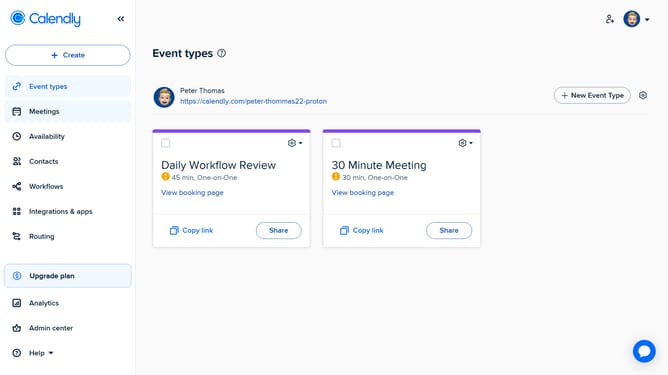
- First click on the "Event types" option in the left sidebar
- Next click on the "New Event Type" button in the top-right corner
- Click on "More ways to meet" section to expand
- Select "One-off meeting" option from the dropdown menu
- Then choose several date and time options you want to offer to invitees in the calendar grid
- Next, on the left side, adjust the time zone, meeting duration and add hosts as needed
- Click the "Next" button at the bottom of the scheduling page
- Here, enter a name for the meeting, set the location, and customize any other necessary settings
- Then click the "Share meeting link" button at the bottom of the form
- Finally in the share dialog, click the "Copy Link" button to copy the meeting link
- The meeting link has been successfully copied and is ready to be shared
Why should you create a One-off meeting in Calendly
Calendly streamlines scheduling, making it simple for individuals and businesses to coordinate meetings effectively.
Creating a One-off meeting in Calendly allows for flexibility and customization, accommodating unique scheduling needs outside of recurring events.
This feature enables users to tailor specific details for a singular event, enhancing personal and professional engagement without altering existing templates.
By offering this level of adaptability, Calendly ensures meeting arrangements are seamlessly integrated into your calendar, optimizing time management with ease.
Last update