How to create an availability schedule in Calendly
Here is how to create an availability schedule in calendly
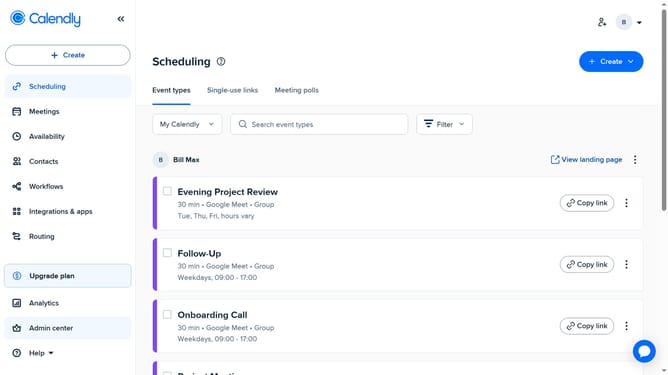
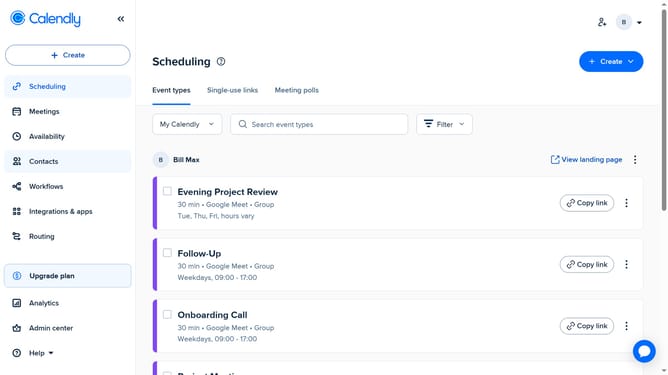
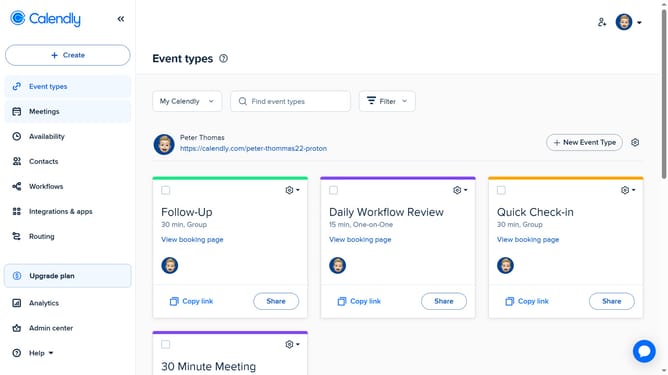
- First navigate to "Availability" in the left sidebar menu
- Click on "Schedules" tab in the top navigation bar
- Next click on "Schedule" dropdown in the schedule section
- Then click on "Create schedule" button in the dropdown menu
- Enter a name for your schedule in the schedule name input field
- Next click the "Create" button
- Then in the Weekly hours section, choose your available days and times
- Finally adjust the time zone if needed
- The new availability schedule is created and ready to be applied to event types
Why should you create an availability schedule in Calendly
Calendly is a streamlined scheduling tool designed to simplify and automate appointment bookings with ease.
Creating an availability schedule in Calendly empowers you to define your open times, ensuring that meetings align seamlessly with your calendar.
This feature allows you to customize your availability while eliminating scheduling conflicts, making your interactions more efficient.
Utilizing Calendly's availability scheduling not only saves time but also enhances your professional image by providing clear and organized communication.
Last update