How to view your contact list in Calendly
Here is how to view your contact list in calendly
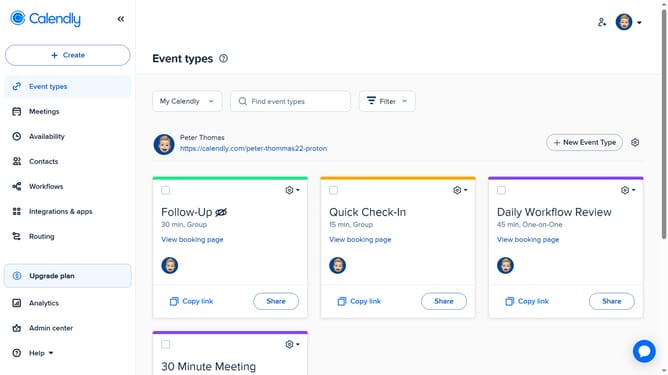
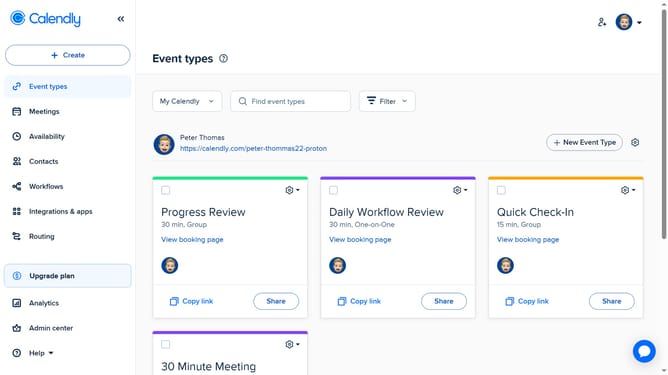
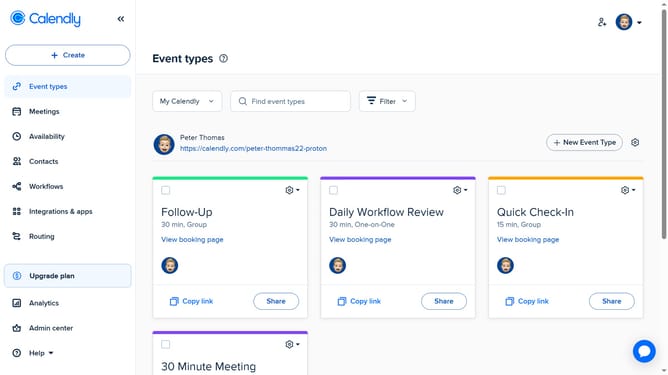
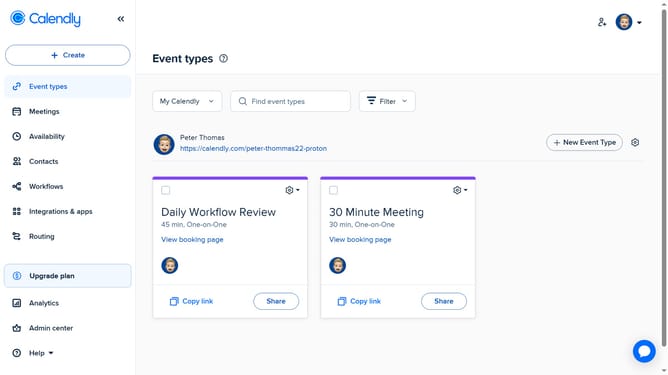
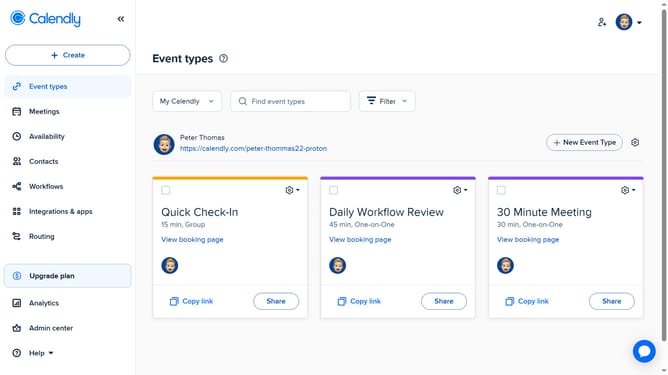
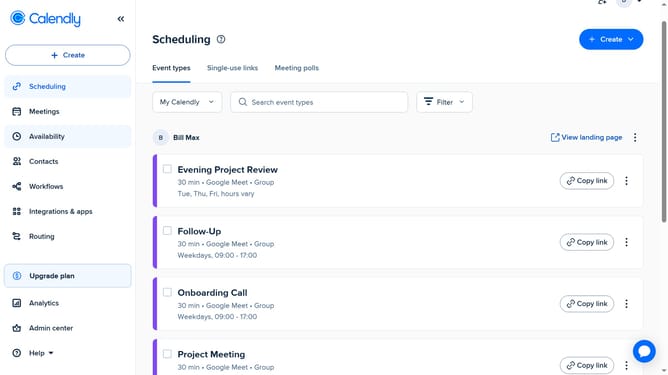
- First click on the "Contacts" option in the left sidebar menu
- Then, on the Contacts page, you will see your full contact list displayed, including names, emails, and other details
- You can use the search bar or filters to find specific contacts if needed
Why should you view your contact list in Calendly
Calendly is a seamless scheduling platform that simplifies the way you book and manage meetings.
One of its convenient features is the ability to view your contact list directly within the app.
Having your contacts readily accessible streamlines your scheduling process, allowing for quick checks and interaction without leaving the platform.
This feature enhances productivity by centralizing essential information, easing communication, and promoting efficient scheduling.
Last update