How to change an event name in Calendly
Here is how to change an event name in calendly
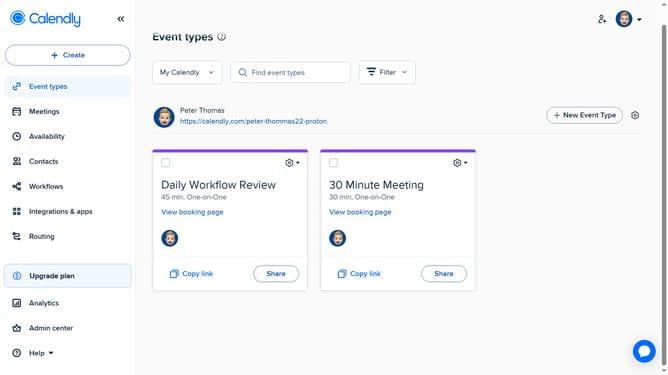
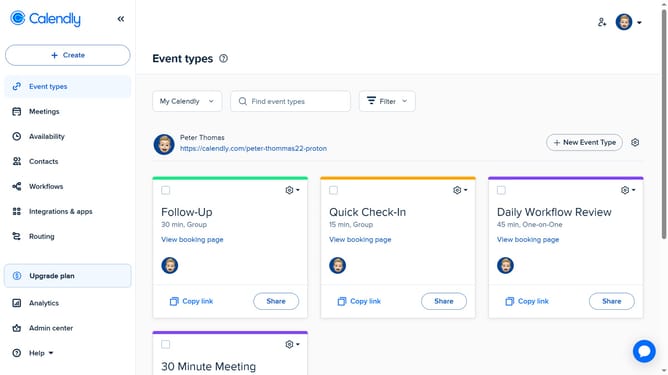
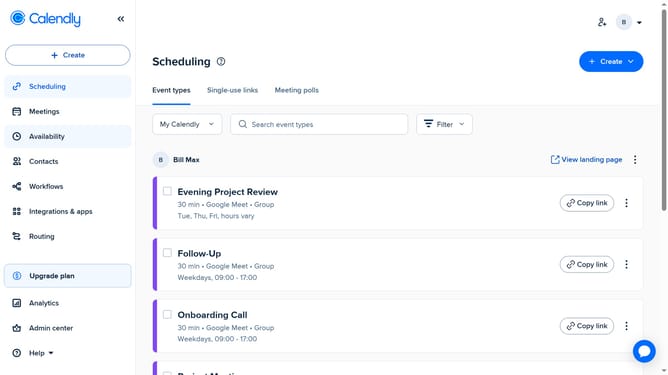
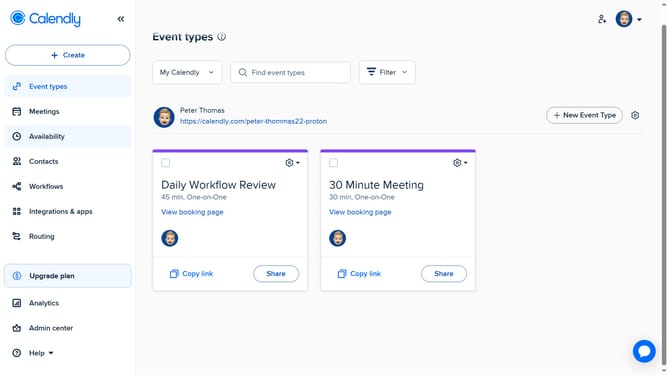
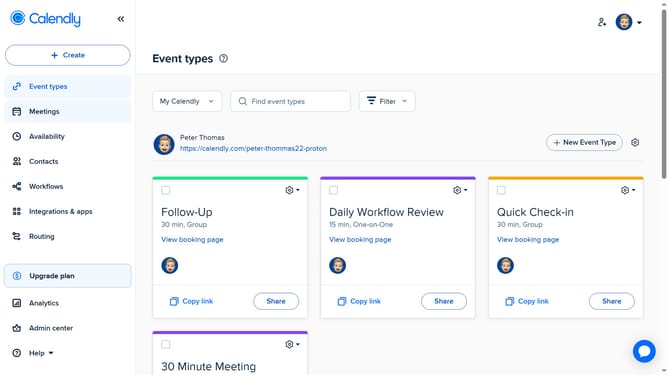
- First click the "Event Types" tab in the left sidebar
- Next click on the event type whose name you want to change
- In the right sidebar settings panel, locate the Event type name field
- Then click on it and enter the new name you want to use
- Finally click the "Save changes" button to apply your changes
Why should you change an event name in Calendly
Calendly is a streamlined scheduling tool designed to simplify arranging meetings and appointments.
Changing an event name in Calendly is a feature that enhances scheduling flexibility.
By renaming events, you can provide clearer context and cater to evolving meeting objectives.
This feature helps maintain organized event listings and ensures all participants are clearly informed of the meeting's purpose.
Last update