How to disconnect a Google Calendar from Calendly
Here is how to disconnect a google calendar from calendly
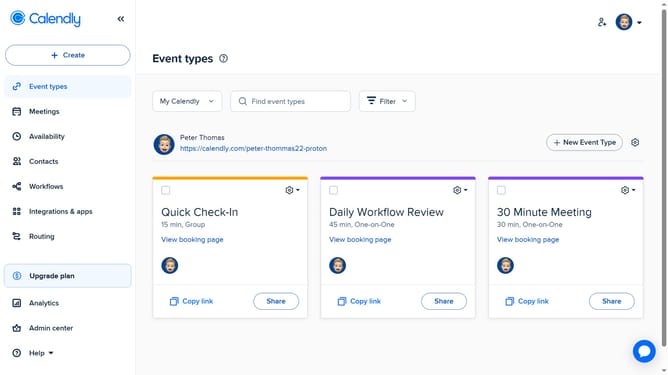
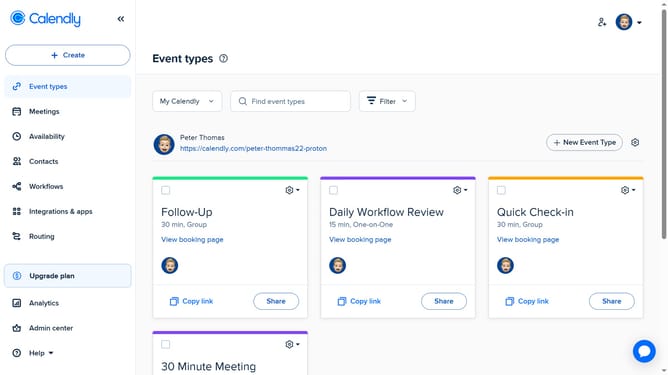
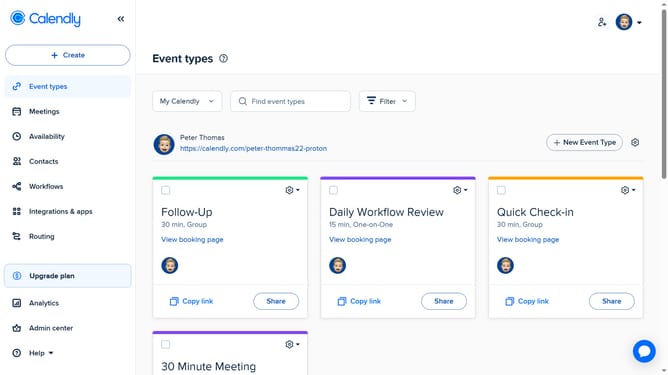
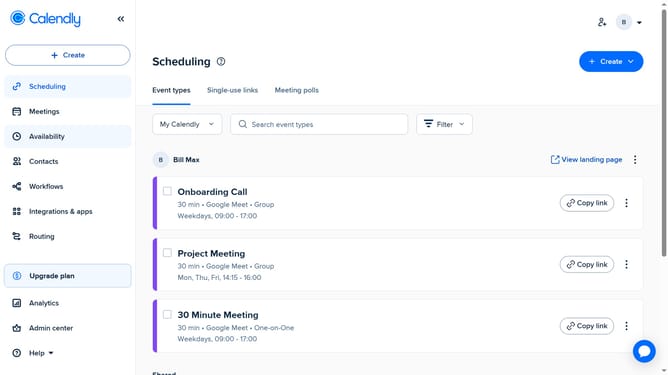
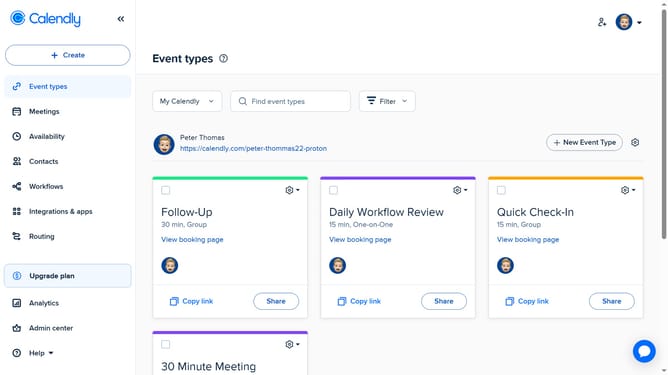
- First click on the "Availability" option in the left sidebar menu
- Next click on the "Calendar settings" tab in the top navigation bar
- Then locate the Google Calendar account you want to remove in the list of connected calendars
- Finally, click the "X" button next to it to disconnect the calendar
Why should you disconnect a Google Calendar from Calendly
Calendly is a streamlined scheduling tool designed to simplify the process of booking meetings and appointments.
While integrating Google Calendar with Calendly has its advantages, there are times when disconnecting is crucial for maintaining organizational clarity.
This feature allows for a refreshing disengagement, ensuring that calendar clutter doesn't hinder productivity.
Utilizing this option can help maintain focused agendas and create a more personalized scheduling approach, tailored to specific needs and preferences.
Last update