How to deactivate an event type in Calendly
Here is how to deactivate an event type in calendly
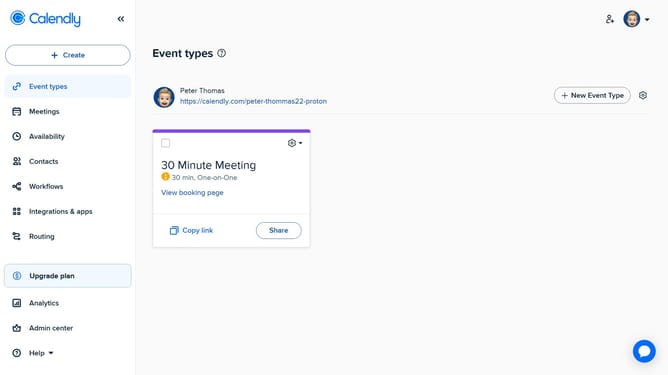
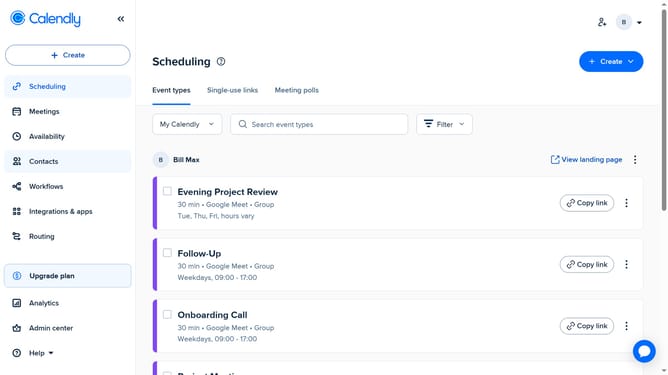
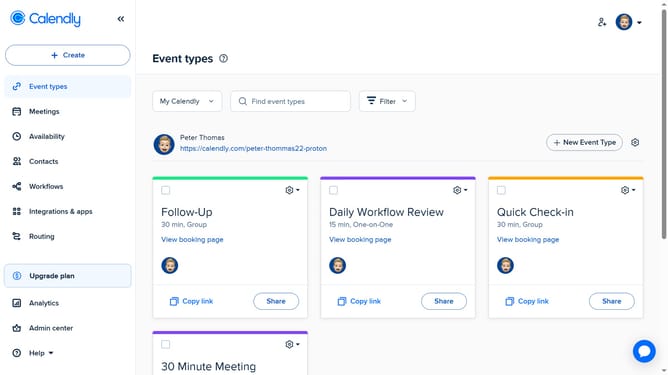
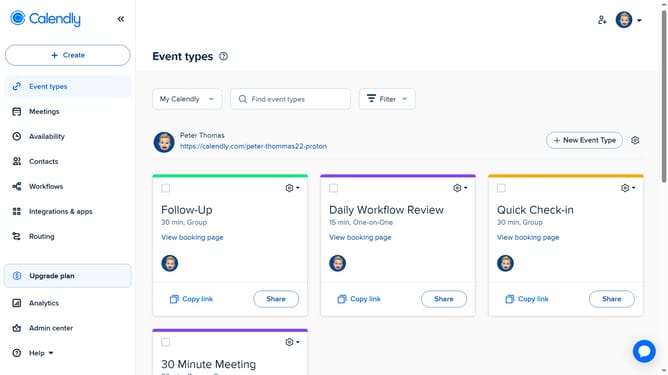
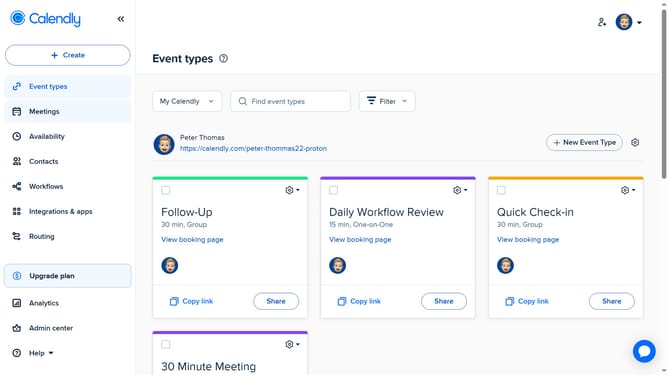
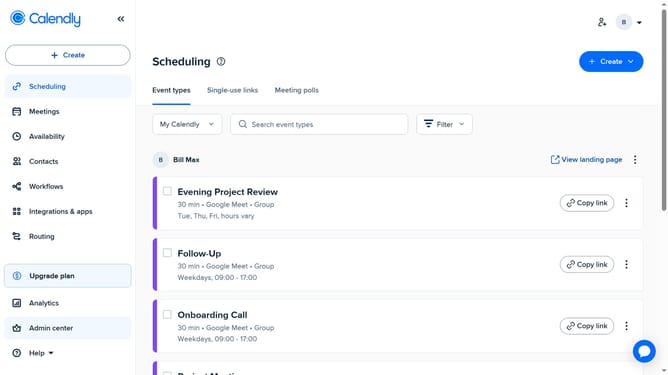
- First click on the "Event types" in the left sidebar menu
- Next locate the event type you want to deactivate
- Click on the settings gear icon in the top-right corner of that event type card
- Then locate the "On/Off" toggle switch option in the settings menu
- Finally click the switch to turn it off
Why should you deactivate an event type in Calendly
Calendly is a streamlined scheduling tool designed to simplify meeting arrangements.
Deactivating an event type in Calendly offers flexibility to manage availability efficiently. By deactivating an event type, you temporarily pause its scheduling without losing the settings, ensuring you only commit to meetings that align with your current priorities.
This feature helps you maintain a focused calendar, reduce scheduling conflicts, and increase productivity by preventing unwanted bookings during hectic periods.
Last update