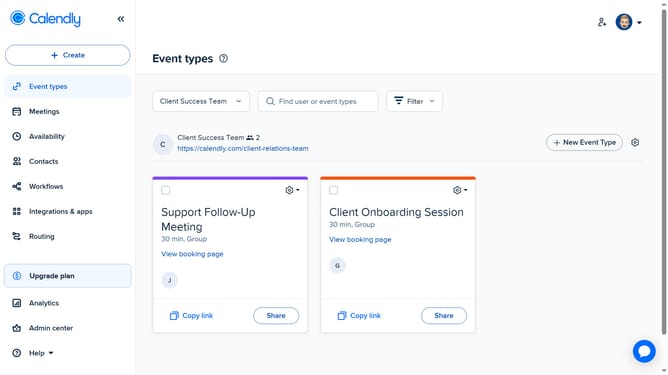
How to add a member to a group in Calendly
Here is how to add a member to a group in calendly
- First click on "Admin center" in the left sidebar menu
- Next click on "Groups" in the organization settings section of the left sidebar
- Next click on the group you want to add members to from the list
- Then click on "Add members" button in the top right corner
- Enter the name or email address of the member you want to add in the search input field
- Then select the user from the search results
- Finally click on the "Add" button to add the selected member to the group
Why should you add a member to a group in Calendly
Calendly is a seamless scheduling tool that simplifies meeting organization for everyone.
Adding a member to a group in Calendly streamlines collaboration, ensuring that every relevant member is kept in the loop effortlessly.
This feature enhances teamwork by allowing easy integration, which results in improved communication and increased productivity among group members.
With reduced back-and-forth emails, teams can focus on what truly matters—achieving their goals efficiently and effectively.
Last update