How to edit a routing form in Calendly
Here is how to edit a routing form in calendly
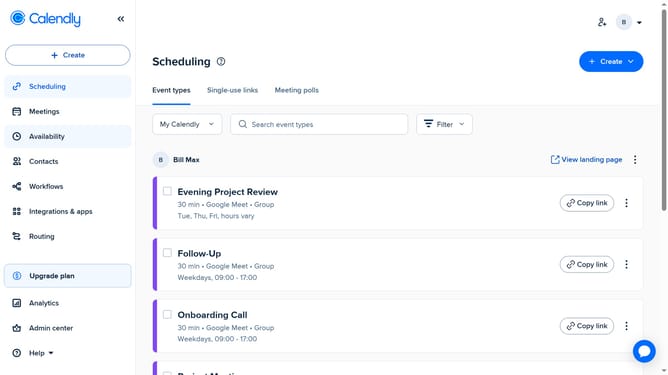
- First click on the "Routing" option in the left sidebar menu
- Find and click on the routing form you want to edit in the list
- Then make the necessary changes to the form questions, logic, or settings
- Once you’re done, your changes will be saved automatically
- To share the updated form, click "Share Form" button
- Finally copy the link to share the updated routing form with your invitees
Why should you edit a routing form in Calendly
Calendly is a powerful scheduling platform designed to make appointment setting seamless and efficient.
Editing a routing form in Calendly enables users to customize the path that invitees follow, creating a more personalized scheduling experience.
This feature offers flexibility to better match available resources with specific needs, helping to streamline booking processes.
Leveraging this feature can enhance user experience and improve organizational efficiency by ensuring that every meeting is directed to the right person or resource.
Last update