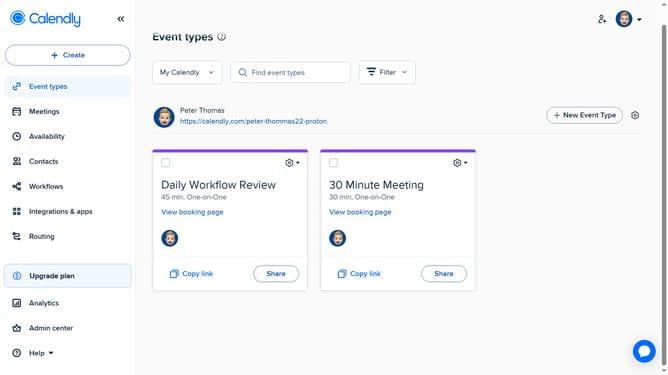
How to create a group in Calendly
Here is how to create a group in calendly
- First click on "Admin center" in the left sidebar menu
- Next click on "Groups" in the organization settings section of the left sidebar
- Click on "New group" button in the top right corner
- Enter a name for the group in the name field
- Then click the "Continue" button to proceed with group creation
- To add members, click on "Add members" button in the group management interface
- Type their names or email addresses in the search field to find the user
- Then select the user from the search results
- Finally click the "Add" button to confirm adding the selected members
- Your group is now created with members added
Why should you create a group in Calendly
Calendly is a streamlined scheduling tool designed to make booking appointments effortless.
Creating a group in Calendly enhances your scheduling experience by allowing multiple participants to coordinate a meeting time that works for everyone.
This feature is particularly beneficial for teams and organizations aiming to improve their efficiency through better time management and collaborative planning.
By facilitating seamless group scheduling, Calendly ensures that meetings are organized without the stress of endless back-and-forth communication.
Last update