How to create a meeting poll in Calendly
Here is how to create a meeting poll in calendly
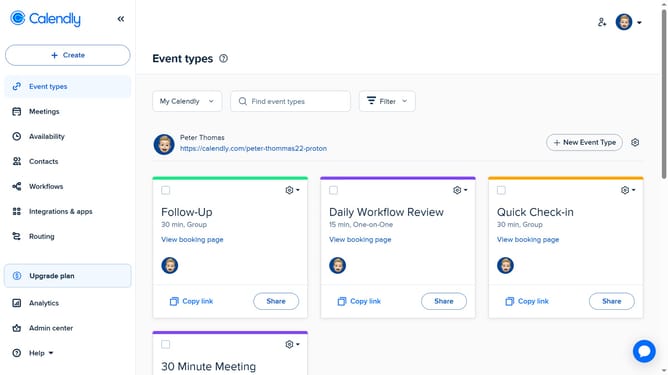
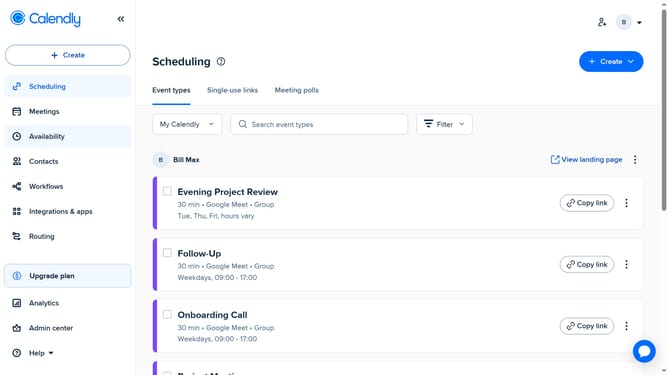
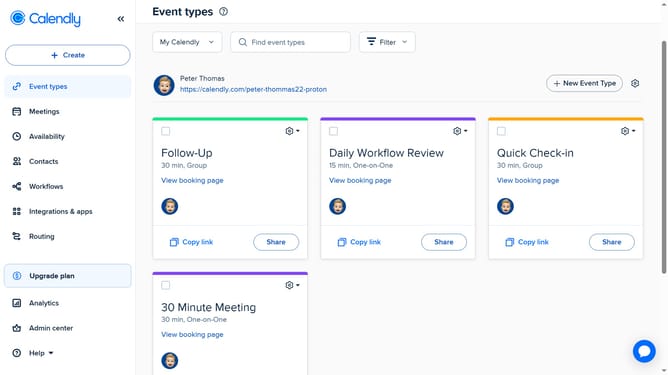
- First click on "Event types" in the left sidebar
- Next click on "New Event Type" button in the top right corner
- Click on "More ways to meet" dropdown in the event types menu
- Then select "Meeting poll" option from the dropdown menu
- Next, on the left side, adjust the time zone and meeting duration as needed
- Choose several date and time options you want to offer to invitees in the calendar grid
- Then click on the "Next" button to proceed
- Locate the "Meeting name" field in the Event details section
- Next enter enter a name for your meeting in the meeting name field
- Select a location options from the available list
- In the optional settings, configure additional options such as enabling or disabling Reserve Times, showing votes on the page, and setting the invitee language
- Then click the "Share meeting poll" button at the bottom
- Finally in the share dialog, click the "Copy Link" button to copy the poll link
- The meeting poll link has been successfully copied and is ready to be shared
Why should you create a meeting poll in Calendly
Calendly is a scheduling tool designed to streamline meeting coordination effortlessly.
One standout feature of Calendly is the ability to create meeting polls.
This feature allows you to propose multiple time slots and let participants vote on their preferred options, ensuring everyone can join.
By using meeting polls, you eliminate scheduling conflicts and enhance collaboration, making it easier and quicker to find a mutually agreeable time for all participants.
Last update