How to create a team in Calendly
Here is how to create a team in calendly
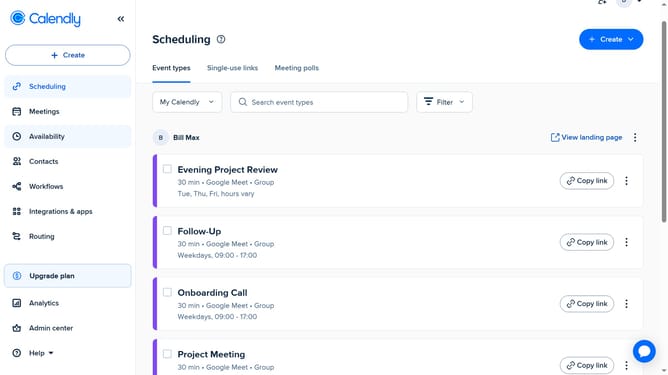
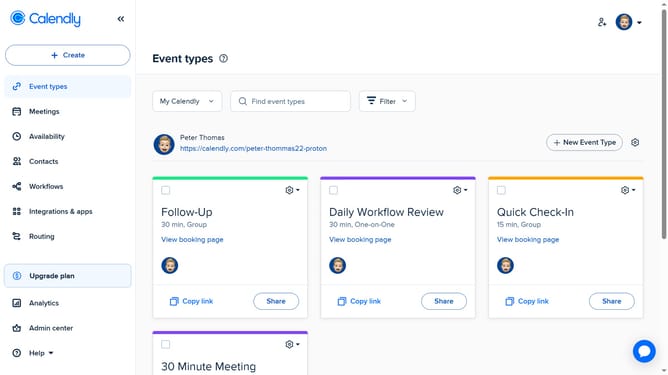
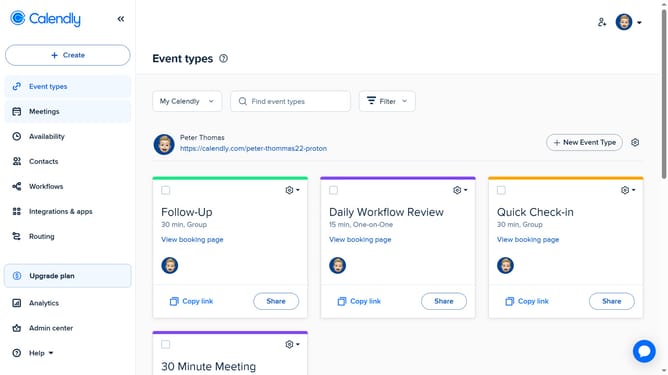
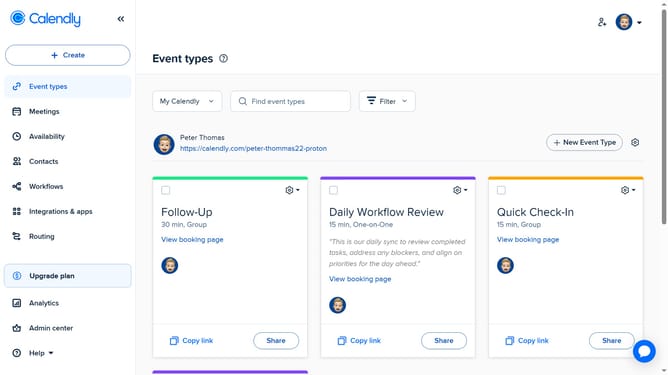
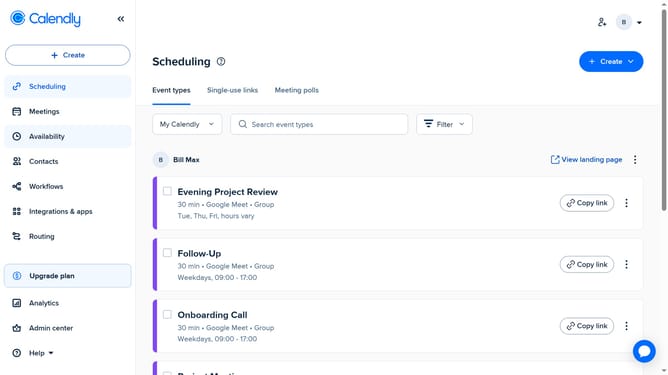
- First go to "Event types" or "Meetings" in the left sidebar menu
- Next click on the "My Calendly" dropdown menu in the top toolbar
- Click on the "+ NEW TEAM" button in the dropdown menu
- Enter a name in the Team Name field
- A team URL is auto-generated from the name, but you can customize it if needed
- Click the “Welcome Message” text field and enter a message for visitors
- To add team members, click on the "Team Members" field and enter their name or email
- Then select the correct user from the dropdown list
- You can add as many members as needed
- You can check the “Can manage team” to give specific members admin rights
- Next to add a team avatar, click on "Upload picture" button
- Then in the "Time Zone" section, set the team time zone
- Finally click the "Create" button to finalize team creation
Why should you create a team in Calendly
Calendly is a powerful tool designed to simplify and streamline scheduling for individuals and businesses.
Creating a team in Calendly allows you to effectively manage group scheduling and collaborate seamlessly. With this feature, you can coordinate team members' availabilities, ensuring that meetings and events are scheduled without conflicts.
Utilizing teams in Calendly enhances productivity by reducing back-and-forth communication, making it easier for everyone to find suitable times to connect, ultimately saving time and fostering better teamwork.
Last update