How to customize availability for specific dates in Calendly
Here is how to customize availability for specific dates in calendly
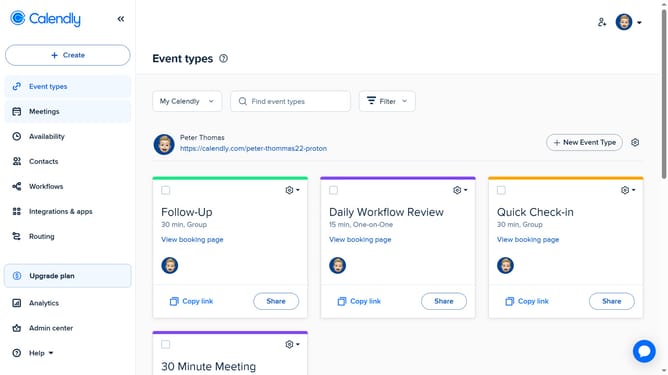
- First navigate to "Availability" in the left sidebar menu
- Next select the availability schedule you want to customize
- In the Schedule tab, click on the "Hours" button located in the Date-specific hours section
- Choose the specific date you want to set hours for, from the calendar
- Then set your custom start and end times for that date
- Finally click the "Apply" button to save the selected time slot
- Your customized availability is now saved and will override your regular schedule for the selected date
Why should you customize availability for specific dates in Calendly
Calendly is a dynamic scheduling tool designed to streamline appointments effortlessly.
One of its standout features is the ability to customize availability for specific dates, providing flexibility and control over your calendar.
This allows you to easily block off time for important commitments or open slots for last-minute appointments.
By tailoring your schedule to fit your needs, you enhance productivity and avoid conflicts, ensuring seamless and efficient time management.
Last update