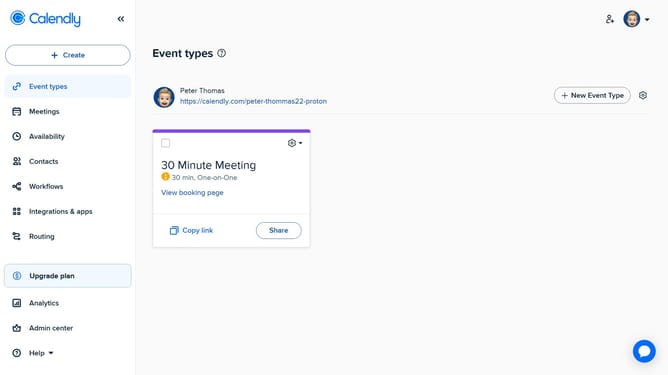
How to view your One-off meetings in Calendly
Here is how to view your one-off meetings in calendly
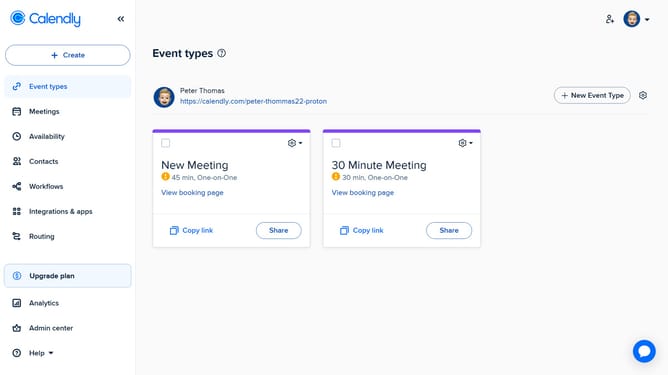
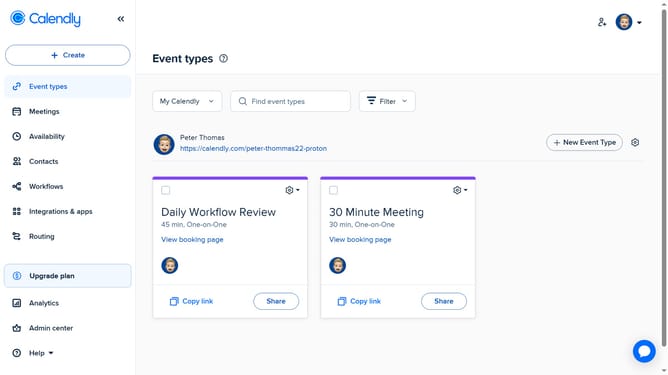
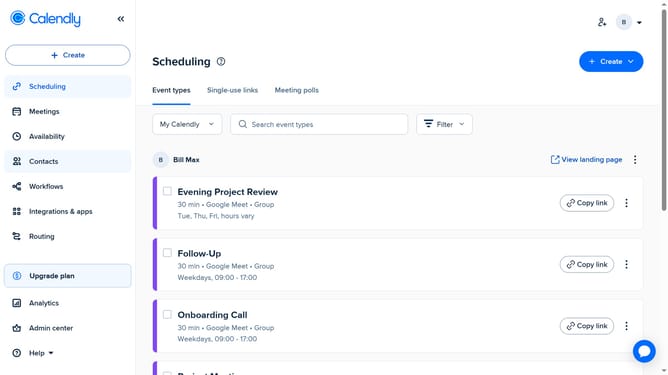
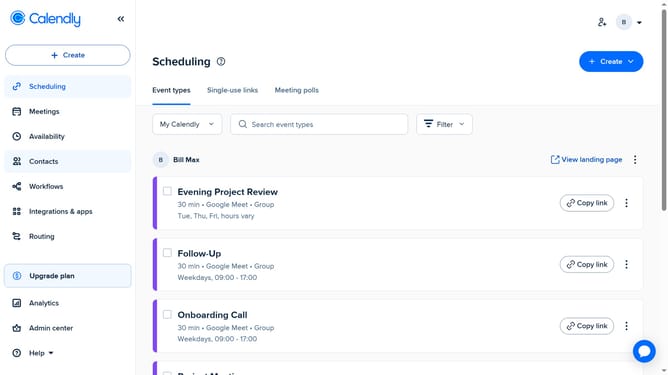
- First click on the "Meetings" option in the left sidebar menu
- Then navigate through the tabs such as Pending, Upcoming, or Past
- Finally find your One-off meetings listed by date and time
Why should you view your One-off meetings in Calendly
Calendly is a powerful scheduling tool designed to simplify appointment bookings with ease.
One of Calendly's most useful features is the ability to view One-off meetings. This feature allows you to seamlessly keep track of unique, non-recurring appointments, enhancing your scheduling efficiency.
By easily accessing your One-off meetings, you can manage your time better, minimize scheduling conflicts, and stay organized. This not only boosts your productivity but also ensures you never miss important engagements.
Last update