How to view your account details in Calendly
Here is how to view your account details in calendly
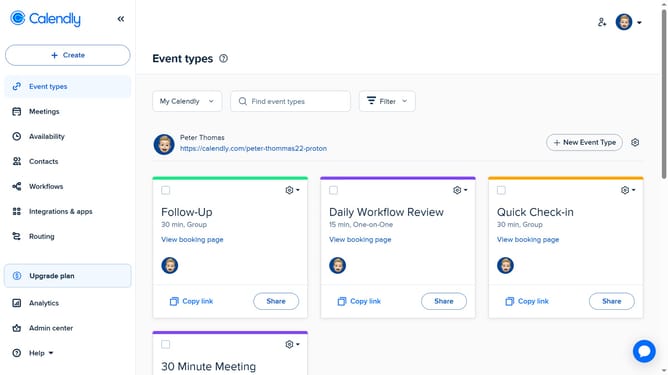
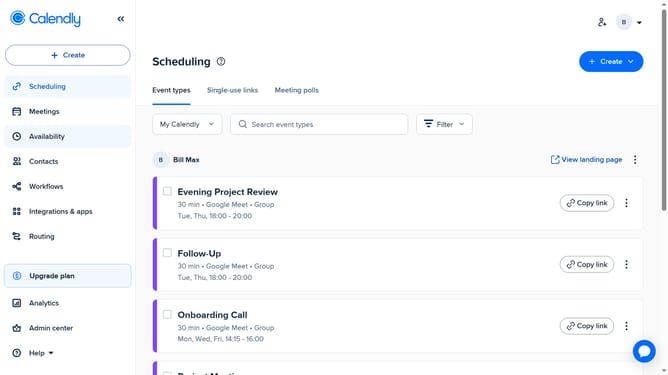
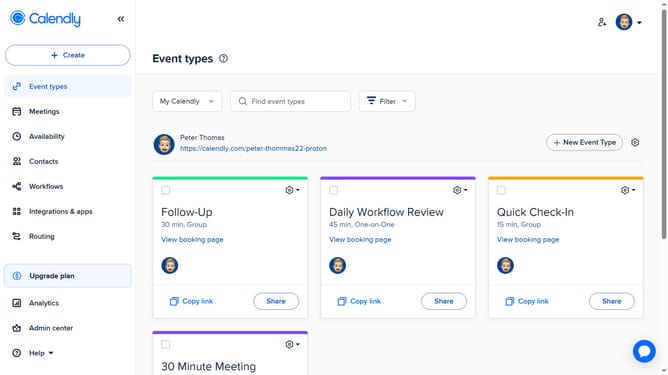
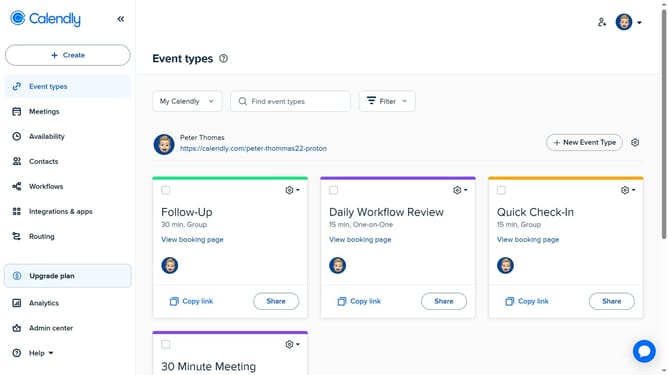
- First click on the profile picture in the top-right corner of the header to open the user menu
- Then click on the "All settings" option in the dropdown menu
- You will be taken to your account details page where you can access and edit various options like Profile, Branding, Login preferences, and more
- Click on any tab in the left-hand menu to manage specific settings
Why should you view your account details in Calendly
Calendly is a streamlined scheduling tool that simplifies booking appointments and managing your time.
One essential feature is the ability to view your account details seamlessly. This feature ensures that your personal settings, preferences, and subscriptions are at your fingertips, providing efficiency and control.
Accessing your account details in Calendly enhances your experience by offering a clear overview of all your scheduling preferences, helping you maintain consistency and accuracy across all bookings.
Staying organized and informed about your account ensures a more personalized and efficient scheduling experience.
Last update