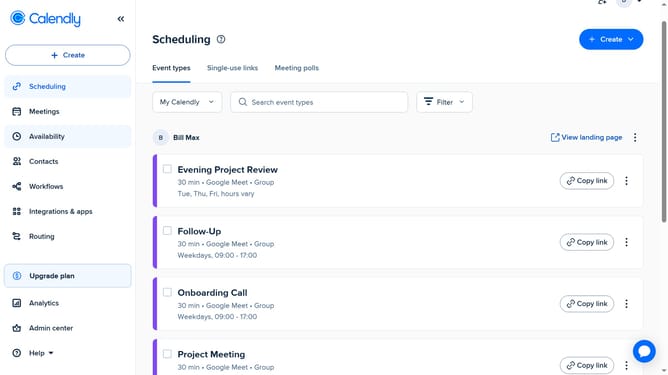
How to edit event type permissions in Calendly
Here is how to edit event type permissions in calendly
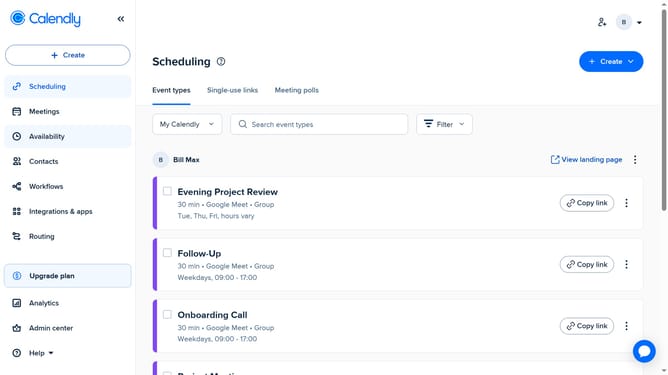
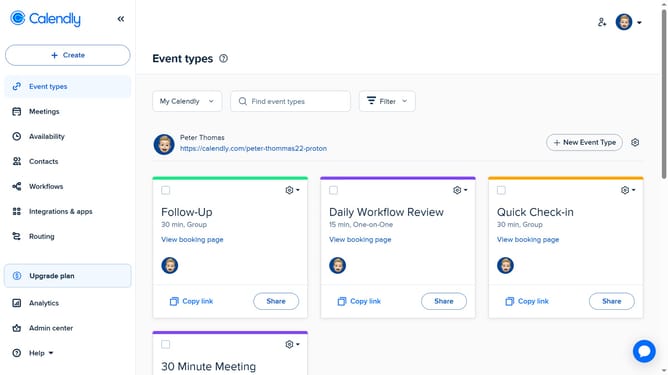
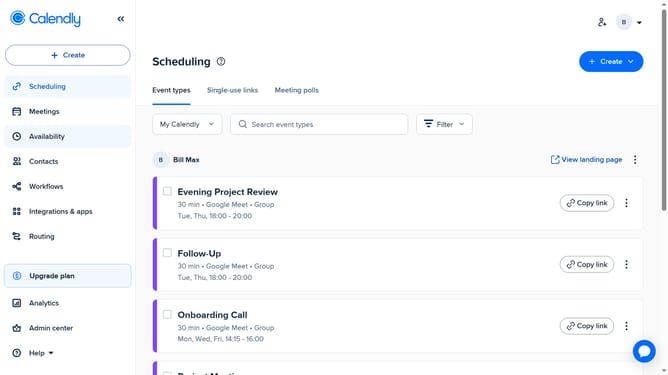
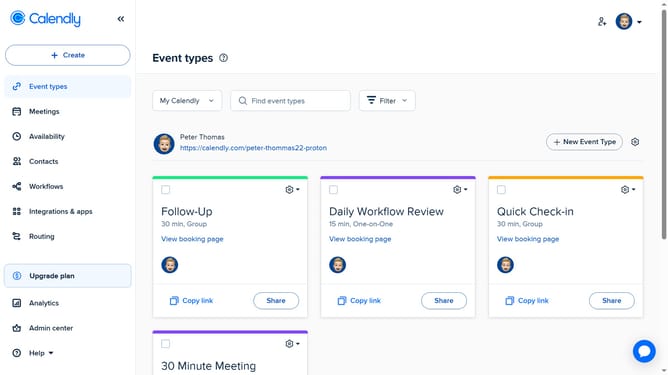
- First navigate to the "Event types" in the left sidebar
- Next locate the event type whose permissions you want to edit
- Click on the settings gear icon in the top-right corner of that event type card
- Then select the "Edit permissions" option from the dropdown menu
- In the Permissions panel, you can manage access for team members
- Next click the permissions dropdown next to a team member’s name
- Then select the desired permission level from the list
- To add someone new, click the “Add people” field and type their name
- Select the correct user from the dropdown list
- Finally once you're done, click the “Apply” button to save your changes
Why should you edit event type permissions in Calendly
Calendly is a user-friendly scheduling tool designed to simplify how individuals and businesses manage appointments.
The ability to edit event type permissions in Calendly offers unparalleled flexibility, empowering users to tailor access based on their unique needs.
This feature facilitates efficient coordination, ensuring only authorized attendees can interact with specific event types, thus enhancing both privacy and productivity.
Employing this feature can streamline your scheduling process, effectively boosting your operational efficiency and focus.
Last update