How to view invitee availability in a meeting poll in Calendly
Here is how to view invitee availability in a meeting poll in calendly
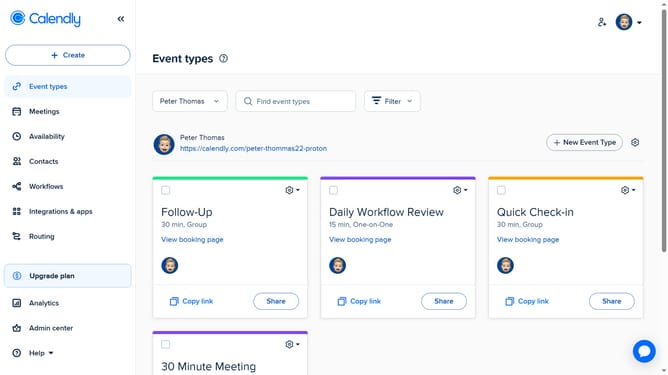
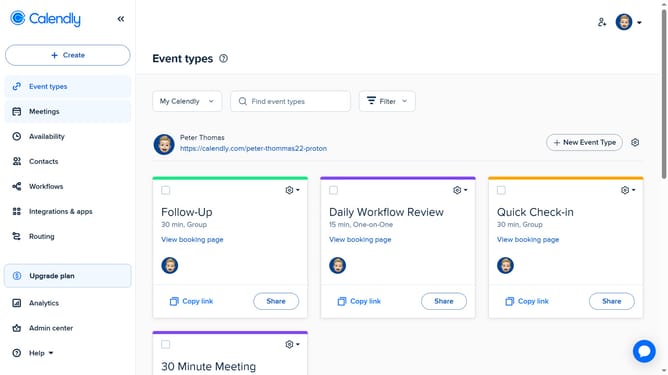
- First click on "Meetings" in the left sidebar menu
- Next click on "Pending" tab in the meetings view
- Locate and click the meeting poll you want to review to open its details
- Then click on "See all poll results" link at the bottom of the poll details
- Finally review each invitee’s submitted available time slots and use this information to identify the best possible meeting time
Why should you view invitee availability in a meeting poll in Calendly
Calendly streamlines scheduling by coordinating calendars with ease.
The feature that allows you to view invitee availability in a meeting poll is a game-changer. Rather than juggling emails or guessing schedules, you can effortlessly observe and coordinate available times, which enhances efficiency.
This transparency not only saves time but also minimizes back-and-forth communication, making it easier to pinpoint mutually convenient meeting slots. Utilizing this feature ensures a more collaborative scheduling experience.
Last update