How to limit total booking duration per month in Cal.com
Here is how to limit total booking duration per month in cal.com
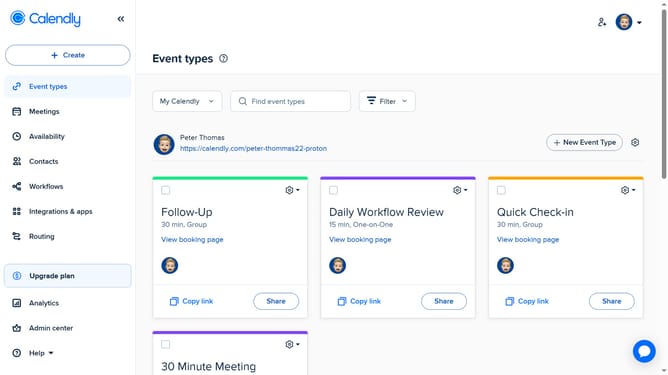
- First click on "Event Types" in the left sidebar menu
- Then click on an event item in the event types list
- Next click on "Limits" section in the event settings sidebar
- Then click on the "Limit total booking duration" toggle switch
- Click on the time period dropdown
- Click on "Per month" dropdown to open period options
- Click on the duration input field and enter your preferred duration
- Finally click save on the top right of the page
Why should you limit total booking duration per month in Cal.com
Calendly simplifies scheduling by allowing users to easily coordinate meeting times.
Cal.com enhances your scheduling control by offering features like limiting the total booking duration per month. This ensures you maintain a balanced workload without overbooking.
By allowing you to restrict monthly booking hours, it helps in managing time effectively and reducing stress.
This feature is particularly beneficial for professionals looking to optimize productivity while ensuring ample personal time.
Last update