How to rename a routing form in Calendly
Here is how to rename a routing form in calendly
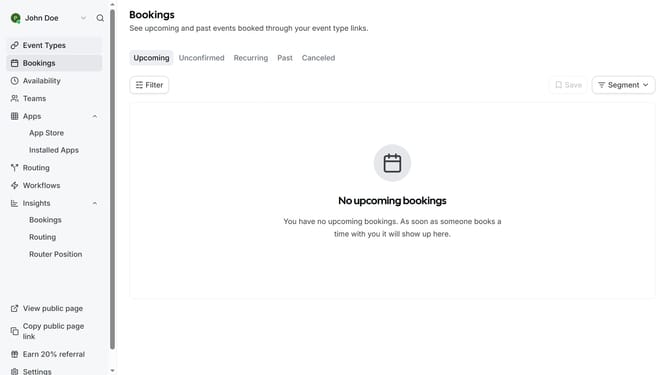
- First navigate to the "Routing" section in the left sidebar menu
- Next find the routing form you want to rename in the list
- Click on the options menu (three dots) button next to the form name
- Then select "Rename form" from the dropdown menu
- Now click in the form name text field and enter the new name for the routing form
- Finally click the "Apply" button to save the new form name
Why should you rename a routing form in Calendly
Calendly is a seamless scheduling tool designed to streamline meeting arrangements.
Renaming a routing form in Calendly is a simple yet powerful feature that enhances user experience by keeping your scheduling organized and personalized.
By clearly labeling a routing form, you can easily distinguish among different types of appointments or meetings, making it intuitive for both you and your invitees.
This customization not only aids clarity but also fortifies your brand's identity by ensuring all elements align with your professional standards.
Last update